React Clean Code Best Practices: Write Better React Applications in 2026
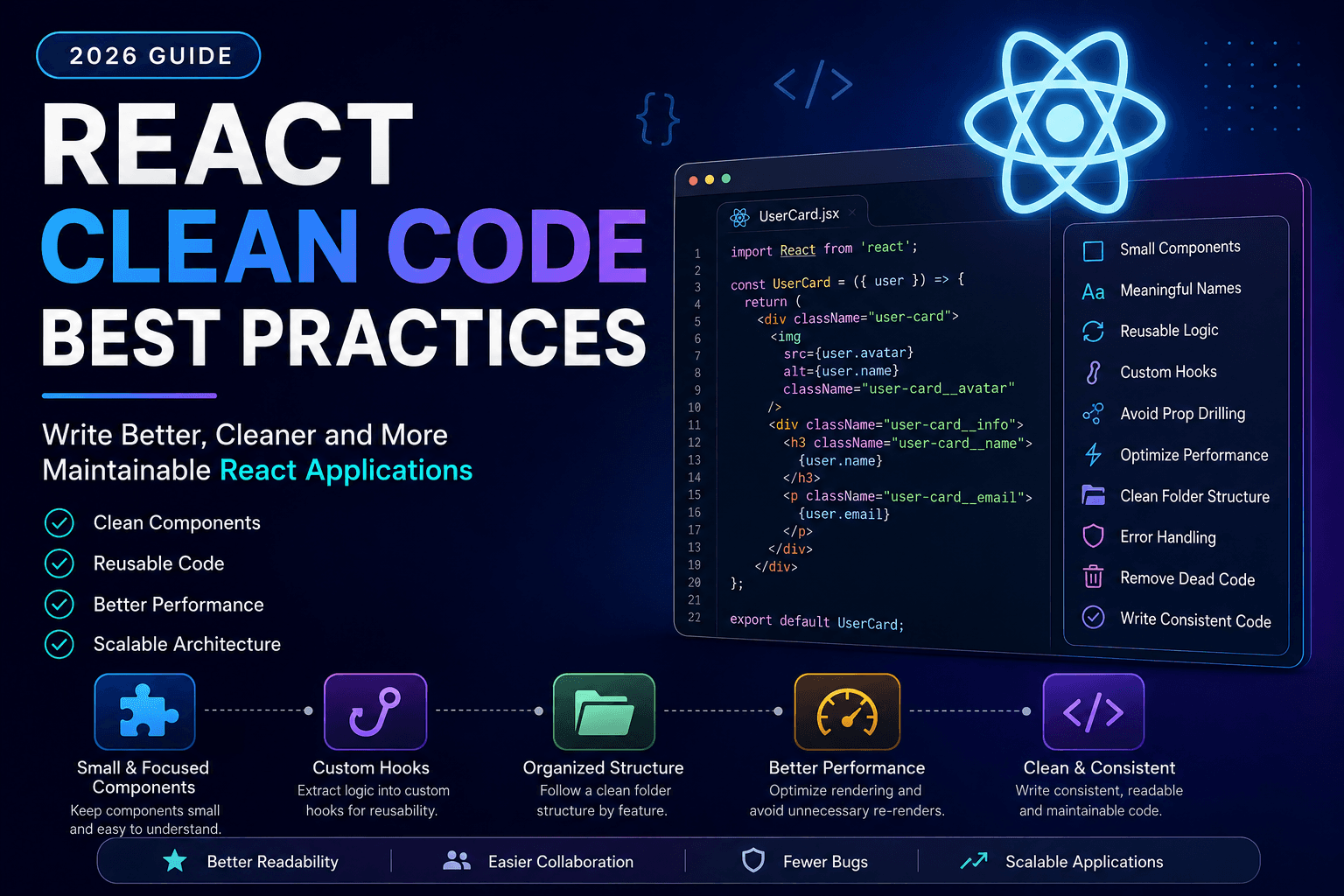
Master React clean code with practical best practices that improve readability, maintainability, and application performance.
React has become one of the most popular JavaScript libraries for building modern user interfaces.
As applications grow, however, many developers discover that writing React code is easy—but maintaining it is much harder.
Messy components, duplicated logic, deeply nested props, and inconsistent project structures quickly make even simple applications difficult to understand.
That's why experienced React developers focus on writing clean, scalable, and maintainable code from the beginning.
In this guide, you'll learn practical React clean code best practices that will help you build applications that are easier to maintain, debug, and scale.
Whether you're a beginner or an experienced frontend developer, these techniques will improve the quality of your React projects.
Why Clean Code Matters in React
Clean code isn't just about making your project look nice.
It helps you:
- Reduce bugs
- Improve readability
- Simplify debugging
- Speed up development
- Make collaboration easier
- Improve long-term maintainability
React projects often live for years.
Writing clean code today saves countless hours of maintenance later.
1. Keep Components Small
One of the biggest mistakes beginners make is creating huge components.
Avoid this:
Dashboard.jsx

700+ lines
Instead, split large interfaces into reusable components.
Example:
Dashboard
 ├── Sidebar
 ├── Header
 ├── UserCard
 ├── Stats
 ├── RecentOrders
 └── Footer
Benefits:
- Easier testing
- Better readability
- Improved reusability
- Faster debugging
A good rule:
“If a component becomes difficult to understand, it's probably time to split it.
2. Give Components Meaningful Names
Poor naming:
Comp.jsx
Better:
UserProfileCard.jsx
Poor:
Button2.jsx
Better:
PrimaryButton.jsx
Good names explain what a component does without reading its implementation.
3. Keep Folder Structure Organized
Avoid placing every component inside one folder.
Instead, organize by feature.
Example:
src/

components/
    Navbar/
    Footer/
    Button/
    Modal/

pages/

hooks/

services/

utils/

context/

assets/
Large projects become much easier to navigate.
4. Create Reusable Components
Many developers copy the same JSX multiple times.
Instead of duplicating code:
<Card />
<Card />
<Card />
<Card />
Create reusable components with props.
Example:
<ProductCard
    title="Laptop"
    price={999}
/>
Reusable components reduce duplication and simplify maintenance.
5. Avoid Deep Prop Drilling
Passing props through several component levels quickly becomes difficult to maintain.
Example:
App

↓

Dashboard

↓

Sidebar

↓

UserMenu

↓

Avatar
Instead, consider:
- Context API
- Zustand
- Redux Toolkit
Choosing the right state management approach improves project scalability.
6. Write Custom Hooks
If the same logic appears multiple times, move it into a custom hook.
Instead of repeating:
- fetching data
- loading state
- error handling
Create:
useUsers()
or
useProducts()
Benefits:
- Reusable logic
- Cleaner components
- Better testing
- Improved readability
7. Separate Business Logic from UI
Components should primarily render the user interface.
Avoid placing large amounts of business logic directly inside JSX.
Instead:
Component

↓

Hook

↓

API Service

↓

Backend
Separating responsibilities makes applications easier to understand and maintain.
8. Avoid Anonymous Functions Everywhere
Many developers write:
<button
onClick={() => handleDelete(id)}
>
Occasionally this is perfectly fine.
However, repeatedly creating inline functions can make components harder to read and, in some cases, affect rendering performance.
Instead, where appropriate, define handlers separately.
Example:
const handleDeleteClick = () => {
    handleDelete(id);
};
Cleaner code is often easier to debug and maintain.
9. Keep State as Small as Possible
A common beginner mistake is storing everything in React state.
Ask yourself:
“Does this value actually change?
If not, it probably doesn't belong in state.
Only keep state that affects rendering.
Everything else can often be a constant or derived value.
Smaller state means:
- Fewer re-renders
- Simpler logic
- Better performance
10. Use TypeScript for Larger Projects
Although React works well with JavaScript, TypeScript provides additional safety.
Benefits include:
- Better autocomplete
- Fewer runtime errors
- Improved refactoring
- Stronger type checking
If you're deciding between the two, read:
11. Optimize Rendering Performance
Clean code isn't only about readability—it also affects performance.
As your application grows, unnecessary renders can slow down the user experience.
Some simple ways to optimize rendering include:
- Avoid unnecessary state updates
- Split large components
- Use memoization only when needed
- Lazy load heavy components
- Keep component trees shallow
Always profile your application before optimizing.
Premature optimization often makes code harder to maintain.
12. Understand React.memo, useMemo, and useCallback
These three APIs help optimize rendering, but they solve different problems.
React.memo
Prevents unnecessary re-rendering of components when props haven't changed.
Ideal for reusable UI components.
useMemo
Memoizes expensive calculations.
Example use cases:
- Sorting large datasets
- Filtering long lists
- Complex mathematical operations
useCallback
Memoizes functions.
Useful when passing callbacks to child components to avoid unnecessary re-renders.
Don't use these hooks everywhere.
Only use them when performance measurements indicate they're needed.
13. Handle Errors Gracefully
Every React application should provide a good user experience when something goes wrong.
Instead of showing a blank screen:
- Display friendly error messages
- Log errors
- Recover gracefully where possible
Use Error Boundaries for unexpected rendering errors.
Benefits include:
- Better debugging
- Improved user experience
- Easier maintenance
14. Lazy Load Large Components
Not every component needs to load immediately.
Examples:
- Admin Dashboard
- Analytics
- Reports
- Charts
- Settings
Lazy loading reduces initial bundle size and improves page load speed.
React provides built-in support for lazy loading using:
- React.lazy()
- Suspense
Combined with route-based code splitting, this creates much faster applications.
15. Avoid Duplicate Logic
Duplicate code increases maintenance costs.
Instead of repeating the same logic across multiple components:
Move it into:
- Utility functions
- Custom Hooks
- Shared services
This keeps your project easier to update and less prone to bugs.
16. Organize API Calls
Avoid making API requests directly inside multiple components.
Instead:
components/

↓

hooks/

↓

services/

↓

API
Example:
services/

userService.js

productService.js

authService.js
Benefits:
- Easier testing
- Cleaner components
- Better code organization
17. Follow the Single Responsibility Principle
Each component should have one clear responsibility.
Avoid components that:
- Fetch data
- Handle forms
- Display UI
- Manage animations
- Validate inputs
All inside one file.
Instead:
LoginPage

↓

LoginForm

↓

Input

↓

Button
Smaller responsibilities lead to cleaner architecture.
18. Remove Dead Code
Large React projects often accumulate:
- Unused imports
- Old components
- Deprecated hooks
- Commented code
Review your project regularly and remove unused code.
Smaller codebases are easier to understand and maintain.
19. Write Consistent Code
Consistency is one of the most underrated clean code principles.
Agree on:
- File naming
- Component naming
- Folder structure
- Quote style
- Import order
- Formatting
Use tools like:
- ESLint
- Prettier
to automate consistency.
20. Document Complex Logic
Not every line requires comments.
However, complicated business logic should include short explanations.
Good comments explain:
Why something exists.
Avoid comments that simply repeat the code.
Common React Mistakes
Many developers unknowingly create technical debt.
Common mistakes include:
- Massive components
- Too much global state
- Deep prop drilling
- Nested ternary operators
- Inline styles everywhere
- Duplicate JSX
- Mixing business logic with UI
- Ignoring accessibility
- Overusing Context API
- Premature optimization
Avoiding these mistakes will make your applications easier to scale.
Clean React Folder Structure Example
src/

app/

components/

features/

hooks/

services/

context/

utils/

constants/

types/

styles/

assets/

public/
Feature-based organization generally scales better than placing every component inside a single folder.
React Performance Checklist
Before deploying your application, review this checklist:
✅ Components are small
✅ Props are meaningful
✅ API calls are separated
✅ Custom Hooks are reused
✅ Images are optimized
✅ Lazy loading implemented
✅ Bundle size reviewed
✅ State minimized
✅ TypeScript used where appropriate
✅ ESLint passes without warnings
Following this checklist helps maintain code quality as projects grow.
Frequently Asked Questions
What is clean code in React?
Clean React code is readable, reusable, maintainable, and follows consistent architectural principles.
It emphasizes simplicity, modularity, and clear separation of concerns.
Should every React project use TypeScript?
Not necessarily.
Small projects work well with JavaScript.
However, TypeScript becomes increasingly valuable as applications grow.
How many lines should a React component have?
There's no strict rule.
If a component becomes difficult to understand or contains multiple responsibilities, it's usually time to split it into smaller components.
Is Context API better than Redux?
It depends.
Context API works well for lightweight global state.
Redux Toolkit is often a better choice for complex enterprise applications.
How can I improve React performance?
Some of the most effective techniques include:
- Memoization
- Code splitting
- Lazy loading
- Optimized state management
- Reducing unnecessary renders
Always measure performance before optimizing.
Related Articles
Continue improving your frontend development skills with these guides:
- React vs Next.js: Complete Guide
- JavaScript vs TypeScript
- Frontend Developer Roadmap 2026
- Git and GitHub for Beginners
- Software Design Patterns for Beginners
- Node.js for Beginners
- Data Structures and Algorithms for Beginners
- Software Engineer vs Web Developer
Final Thoughts
Writing clean React code isn't about following rigid rules or making your project overly complicated. It's about creating applications that are easy to understand, maintain, and extend as they grow.
By keeping components focused, organizing your project structure, reusing logic through custom hooks, separating business logic from presentation, and applying performance optimizations thoughtfully, you'll build React applications that are easier for both you and your teammates to work on.
Clean code is a habit developed over time. Start by applying a few of these practices to your current projects, and you'll quickly notice improvements in readability, debugging, and long-term maintainability.
As the React ecosystem continues to evolve, these principles remain valuable because they focus on writing better software—not just better React code.
Related Articles
More from the Programming category

React useState Hook Complete Guide (2026): Syntax, Examples & Best Practices
Learn everything about React's useState Hook, including syntax, real-world examples, updating state correctly, best practices, and common mistakes.

Best Programming Languages to Learn in 2026: Complete Developer Guide
Not sure which programming language to learn in 2026? This guide compares the most in-demand programming languages and helps developers choose the right path.

Data Structures and Algorithms for Beginners: Complete Guide in 2026
Master the fundamentals of Data Structures and Algorithms with this beginner-friendly guide. Learn the concepts every software developer should know.