Node.js for Beginners: Complete Guide to Server-Side JavaScript in 2026
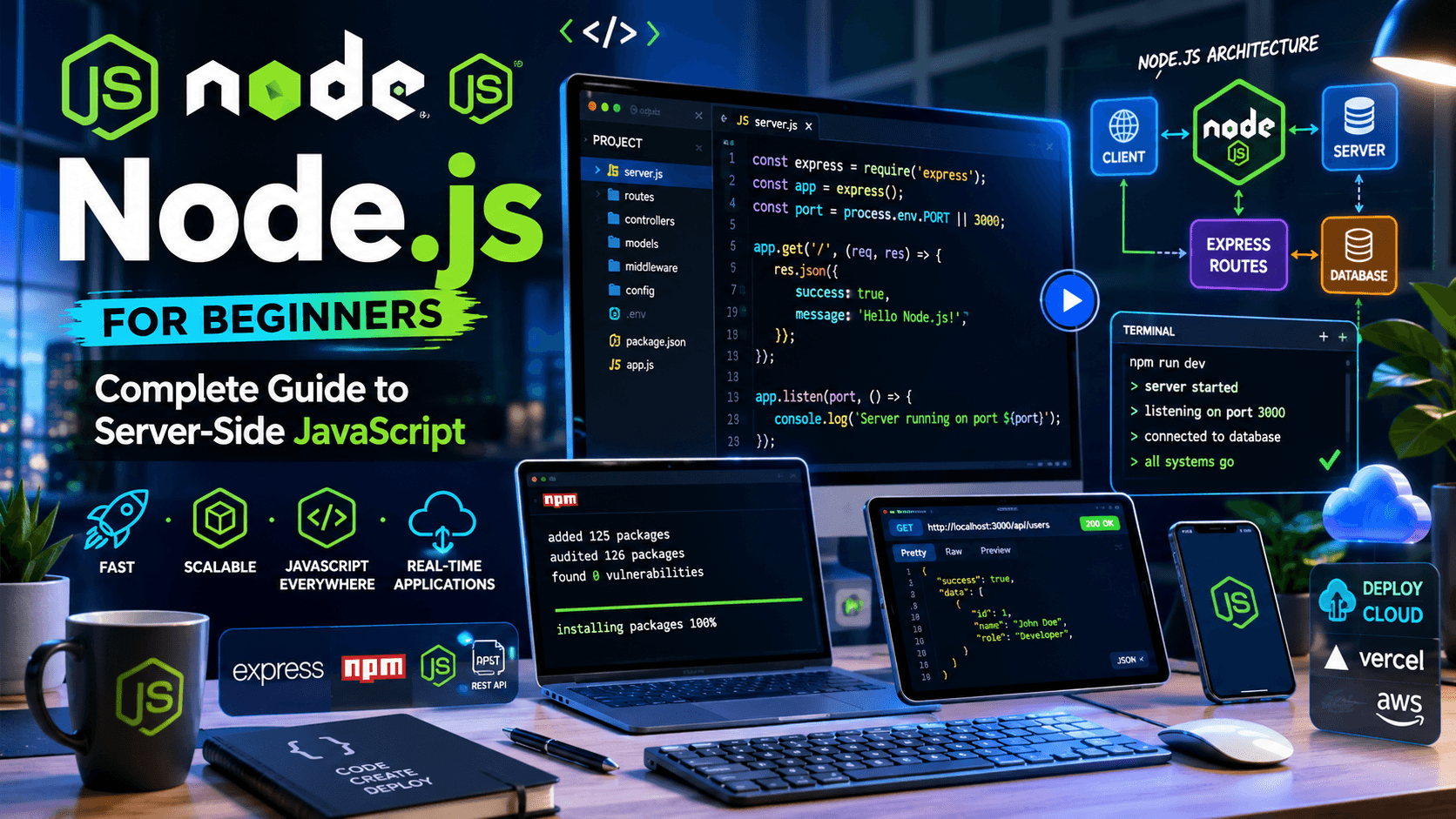
Want to learn backend development? This complete Node.js guide explains everything beginners need to know, from core concepts to real-world applications.
Node.js has become one of the most important technologies in modern software development.
From startups to enterprise companies, thousands of organizations use Node.js to power APIs, web applications, real-time systems, and backend services.
If you're learning programming in 2026, understanding Node.js can significantly expand your career opportunities.
In this guide, you'll learn what Node.js is, how it works, why developers use it, and how to get started with server-side JavaScript.
What Is Node.js?
Node.js is a JavaScript runtime built on Google's V8 JavaScript engine.
It allows developers to run JavaScript outside the browser.
Before Node.js, JavaScript was primarily used for frontend development.
Node.js changed that by enabling JavaScript to run on servers.
This means developers can use JavaScript for:
- Frontend development
- Backend development
- APIs
- Real-time applications
- Command-line tools
Why Is Node.js So Popular?
Node.js became popular because it solves several common development challenges.
JavaScript Everywhere
Developers can use a single language across the entire application stack.
Example:
Frontend → JavaScript
Backend → JavaScript
Database Queries → JavaScript
This reduces context switching and simplifies development.
Fast Performance
Node.js uses the V8 engine, which compiles JavaScript into highly optimized machine code.
This makes Node.js significantly faster than many traditional server-side technologies.
Large Ecosystem
Node.js has access to npm (Node Package Manager), the largest software package ecosystem in the world.
Developers can install thousands of open-source libraries with a single command.
How Node.js Works
Unlike traditional server technologies that create a new thread for each request, Node.js uses an event-driven architecture.
This approach allows Node.js to handle many connections efficiently.
Simplified workflow:
Request
↓
Event Loop
↓
Process Task
↓
Response
This architecture makes Node.js particularly effective for:
- APIs
- Real-time applications
- Chat systems
- Streaming platforms
Installing Node.js
Download Node.js from the official website and verify installation:
node -v
Check npm:
npm -v
If both commands return version numbers, Node.js is installed successfully.
Your First Node.js Program
Create a file:
console.log("Hello, Node.js!");
Run it:
node app.js
Output:
Hello, Node.js!
Congratulations! You've just executed your first Node.js application.
Understanding npm
npm stands for Node Package Manager.
It helps developers install and manage dependencies.
Initialize a project:
npm init -y
Install a package:
npm install express
This creates:
- package.json
- node_modules
- package-lock.json
These files are essential for managing project dependencies.
Building a Simple Server
Node.js includes built-in modules that make creating servers easy.
Example:
const http = require("http");

const server = http.createServer((req, res) => {
  res.write("Hello World");
  res.end();
});

server.listen(3000);
Running this code creates a web server on port 3000.
What Is Express.js?
Express is the most popular Node.js framework.
It simplifies:
- Routing
- APIs
- Middleware
- Request handling
Install Express:
npm install express
Example:
const express = require("express");

const app = express();

app.get("/", (req, res) => {
  res.send("Welcome to Express");
});

app.listen(3000);
Most modern Node.js applications use Express or similar frameworks.
Node.js Use Cases
Node.js powers many types of applications.
REST APIs
Many companies use Node.js to create APIs.
Real-Time Applications
Examples:
- Chat apps
- Collaboration tools
- Messaging systems
Streaming Platforms
Node.js performs well with streaming workloads.
SaaS Products
Many startups build their backend infrastructure using Node.js.
Node.js vs Python
A common beginner question is:
Which language should I choose?
Node.js
Best for:
- Web development
- JavaScript developers
- Real-time systems
Python
Best for:
- Data science
- AI
- Automation
Both are excellent choices.
Node.js and Modern Frontend Development
If you're already learning React or Next.js, Node.js is a natural next step.
Read:
Combining frontend and backend skills makes you a more versatile developer.
Common Beginner Mistakes
Ignoring Async Programming
Node.js relies heavily on asynchronous operations.
Understanding:
- Promises
- Async/Await
- Event Loop
is essential.
Installing Too Many Packages
Only install dependencies you actually need.
Not Learning Core JavaScript
Strong JavaScript fundamentals are critical before diving deep into Node.js.
Frequently Asked Questions
Is Node.js Easy to Learn?
Yes.
Especially if you already know JavaScript.
Is Node.js Good for Beginners?
Absolutely.
It's one of the best backend technologies for beginners.
Do Companies Use Node.js?
Yes.
Many large companies rely on Node.js in production.
Is Node.js Still Relevant in 2026?
Definitely.
Node.js remains one of the most popular backend technologies in the industry.
Further Reading
- How to Become a Software Developer in 2026
- Best Programming Languages to Learn in 2026
- JavaScript vs TypeScript: Which Should Developers Learn?
- Git and GitHub for Beginners
- Frontend Developer Roadmap 2026
Final Verdict
Node.js remains one of the best technologies for developers who want to build modern web applications and backend systems.
Its speed, flexibility, massive ecosystem, and JavaScript-based workflow make it an excellent choice for beginners and professionals alike.
If you're already learning JavaScript, adding Node.js to your skill set is one of the smartest investments you can make in your development career.
Related Articles
More from the Programming category
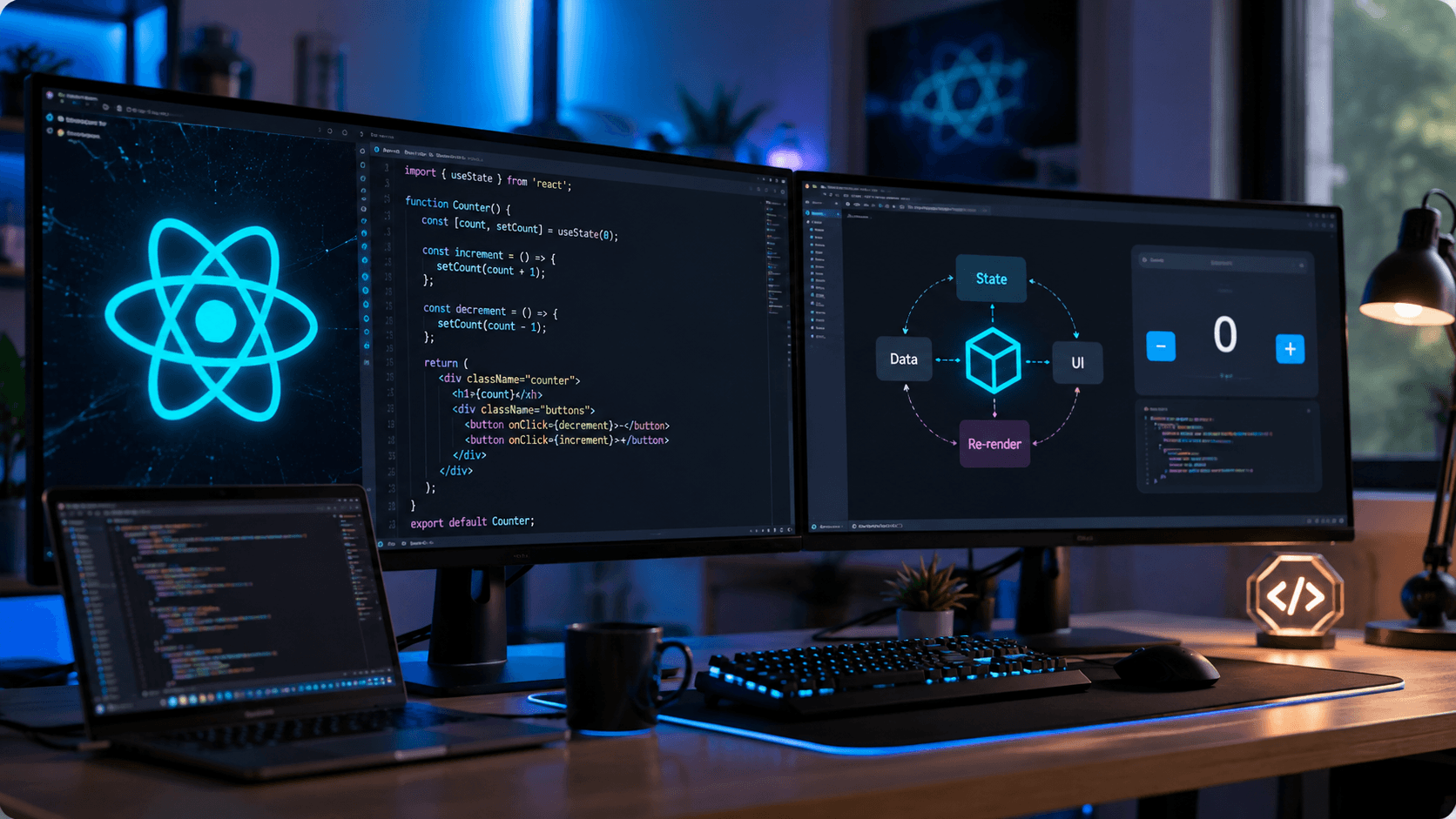
React useState Hook Complete Guide (2026): Syntax, Examples & Best Practices
Learn everything about React's useState Hook, including syntax, real-world examples, updating state correctly, best practices, and common mistakes.
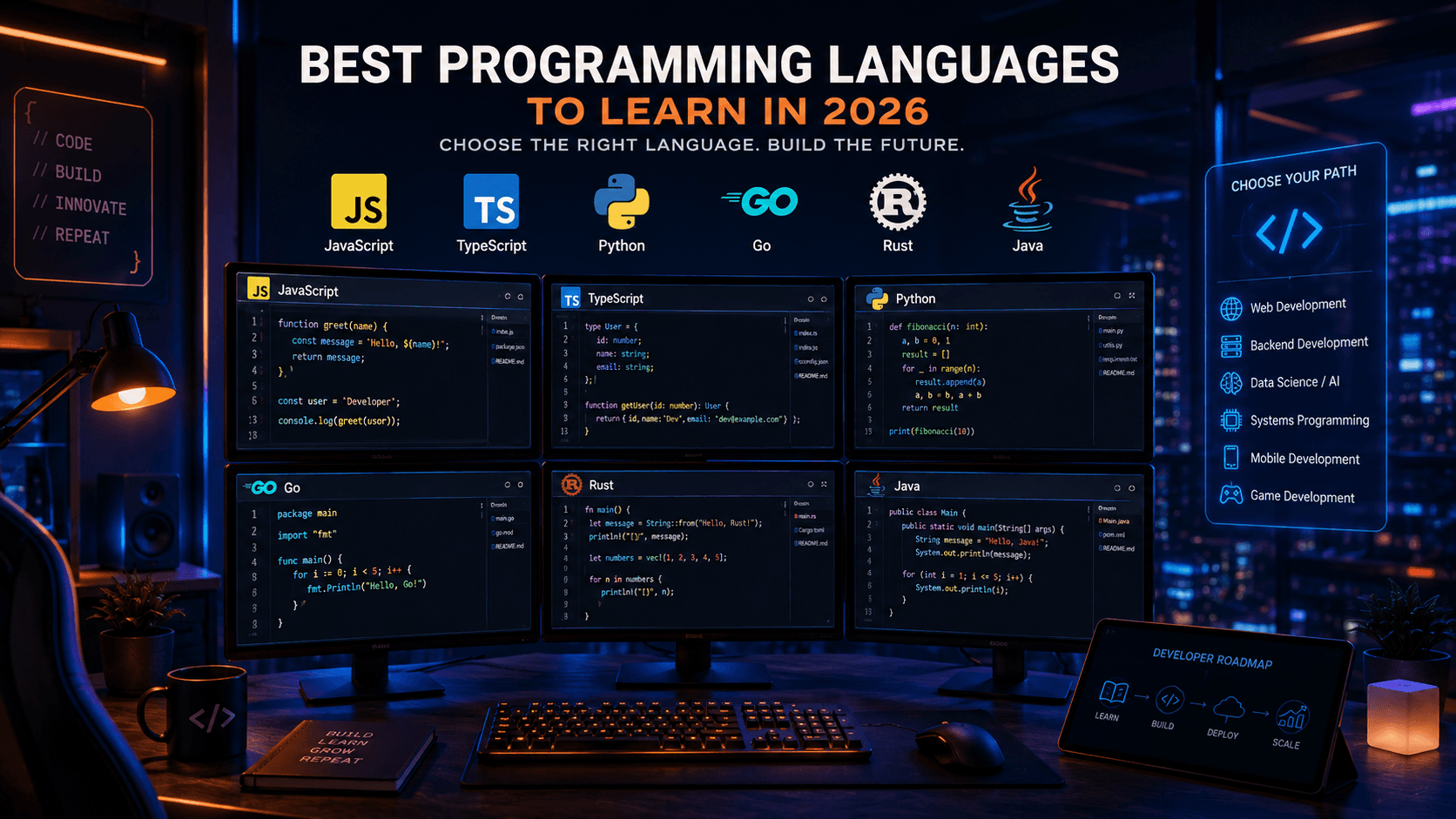
Best Programming Languages to Learn in 2026: Complete Developer Guide
Not sure which programming language to learn in 2026? This guide compares the most in-demand programming languages and helps developers choose the right path.

Data Structures and Algorithms for Beginners: Complete Guide in 2026
Master the fundamentals of Data Structures and Algorithms with this beginner-friendly guide. Learn the concepts every software developer should know.