Git and GitHub for Beginners: Complete Developer Guide in 2026
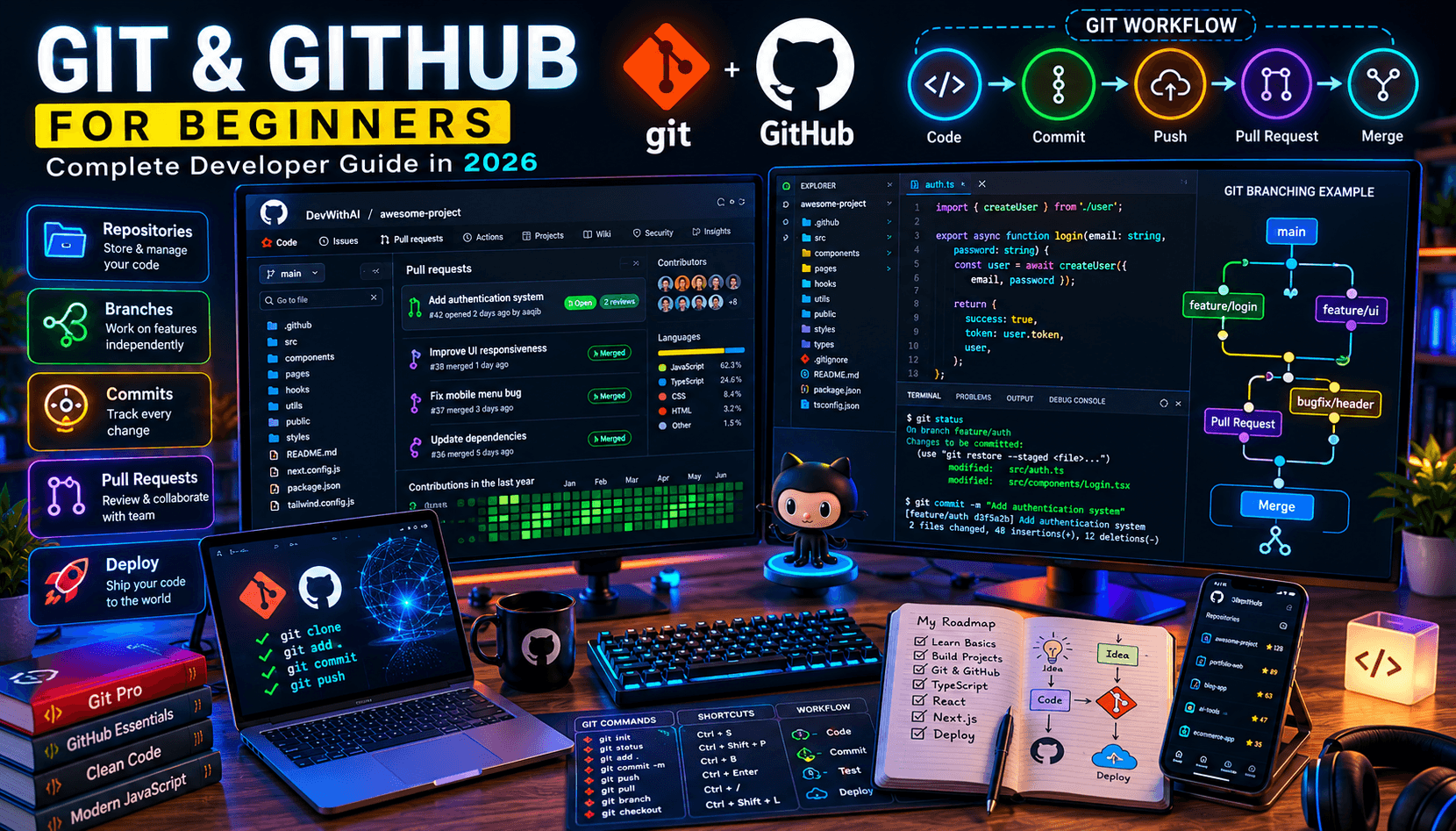
New to Git and GitHub? Learn version control, repositories, commits, branching, pull requests, and collaboration workflows used by professional developers.
If you're learning programming in 2026, Git and GitHub are two tools you cannot ignore.
Whether you're building personal projects, contributing to open source software, or working with a development team, understanding version control is an essential skill.
Many beginner developers spend months learning programming languages and frameworks before realizing that companies expect them to know Git and GitHub as well.
The good news is that the fundamentals are much easier than most people think.
In this guide, you'll learn Git and GitHub from the ground up and understand the workflows used by professional software developers every day.
What Is Git?
Git is a version control system.
It allows developers to track changes made to code over time.
Instead of manually creating copies like:
project-final
project-final-v2
project-final-v3
project-final-actually-final
Git records every change automatically.
Benefits include:
- Change tracking
- Collaboration
- Version history
- Safe experimentation
- Easy recovery
Git was originally created by Linus Torvalds, the creator of Linux.
What Is GitHub?
GitHub is a cloud platform built around Git.
It allows developers to:
- Store repositories online
- Collaborate with teams
- Review code
- Manage projects
- Contribute to open source software
Think of Git as the tool and GitHub as the platform that hosts your projects.
Why Developers Need Git
Modern software development relies heavily on collaboration.
Without version control:
- Code changes get lost
- Teams overwrite each other's work
- Bugs become difficult to trace
Git solves these problems by maintaining a complete history of every change.
Installing Git
Download Git from the official website and verify the installation:
git --version
You should see the installed version number.
Creating Your First Repository
Navigate to a project folder:
mkdir my-project
cd my-project
Initialize Git:
git init
Git now starts tracking your project.
Understanding Commits
A commit is a snapshot of your project.
Example:
git add .
git commit -m "Initial project setup"
Good commit messages describe what changed.
Examples:
Add authentication system
Fix mobile navigation bug
Create blog article component
Understanding Branches
Branches allow developers to work on features independently.
View branches:
git branch
Create a branch:
git checkout -b feature/login
This prevents unfinished work from affecting the main codebase.
Merging Branches
After completing a feature:
git checkout main
git merge feature/login
The changes are merged into the main branch.
What Are Pull Requests?
Pull Requests (PRs) allow developers to review changes before merging them.
Typical workflow:
Create Branch
↓
Write Code
↓
Push Changes
↓
Open Pull Request
↓
Review
↓
Merge
This process is widely used in professional development teams.
Pushing Code to GitHub
Connect your local repository:
git remote add origin https://github.com/username/project.git
Push code:
git push -u origin main
Your project is now available on GitHub.
Common Git Commands
Check repository status:
git status
View commit history:
git log
Pull latest changes:
git pull
Push changes:
git push
These commands form the foundation of daily Git workflows.
GitHub for Job Seekers
GitHub acts as a public portfolio for developers.
Employers often review:
- Personal projects
- Commit history
- Code quality
- Open-source contributions
A strong GitHub profile can significantly improve your chances of landing interviews.
If you're learning development, also read:
How to Become a Software Developer in 2026
Common Beginner Mistakes
Not Using Branches
Many beginners work directly on the main branch.
Professional developers use feature branches.
Poor Commit Messages
Avoid messages like:
fix
update
changes
Use descriptive commit messages instead.
Ignoring .gitignore
Always exclude:
- node_modules
- build files
- environment variables
Forgetting to Pull
Always pull the latest changes before pushing.
Git Best Practices
- Commit frequently
- Use meaningful messages
- Create feature branches
- Review Pull Requests
- Keep repositories organized
Following these habits makes collaboration easier.
Frequently Asked Questions
Is Git difficult to learn?
No.
Most developers learn the fundamentals within a few days.
Do I need GitHub to use Git?
No.
Git works independently of GitHub.
Is GitHub free?
Yes.
GitHub offers a generous free plan.
Do employers care about GitHub?
Absolutely.
Many employers review GitHub profiles during hiring.
Further Reading
- Best Programming Languages to Learn in 2026
- JavaScript vs TypeScript: Which Should Developers Learn?
- How to Become a Software Developer in 2026
Upcoming Programming Guides:
- React for Beginners
- Next.js Complete Guide
- Node.js for Beginners
- TypeScript Best Practices
- Frontend Developer Roadmap
Final Verdict
Git and GitHub are among the most valuable tools a developer can learn.
They are used by startups, enterprise companies, open-source communities, and individual developers worldwide.
Mastering Git early in your journey will make collaboration easier, improve your workflow, and prepare you for professional software development environments.
Whether you're building personal projects or preparing for your first developer job, Git and GitHub should be part of your daily toolkit.
Related Articles
More from the Programming category
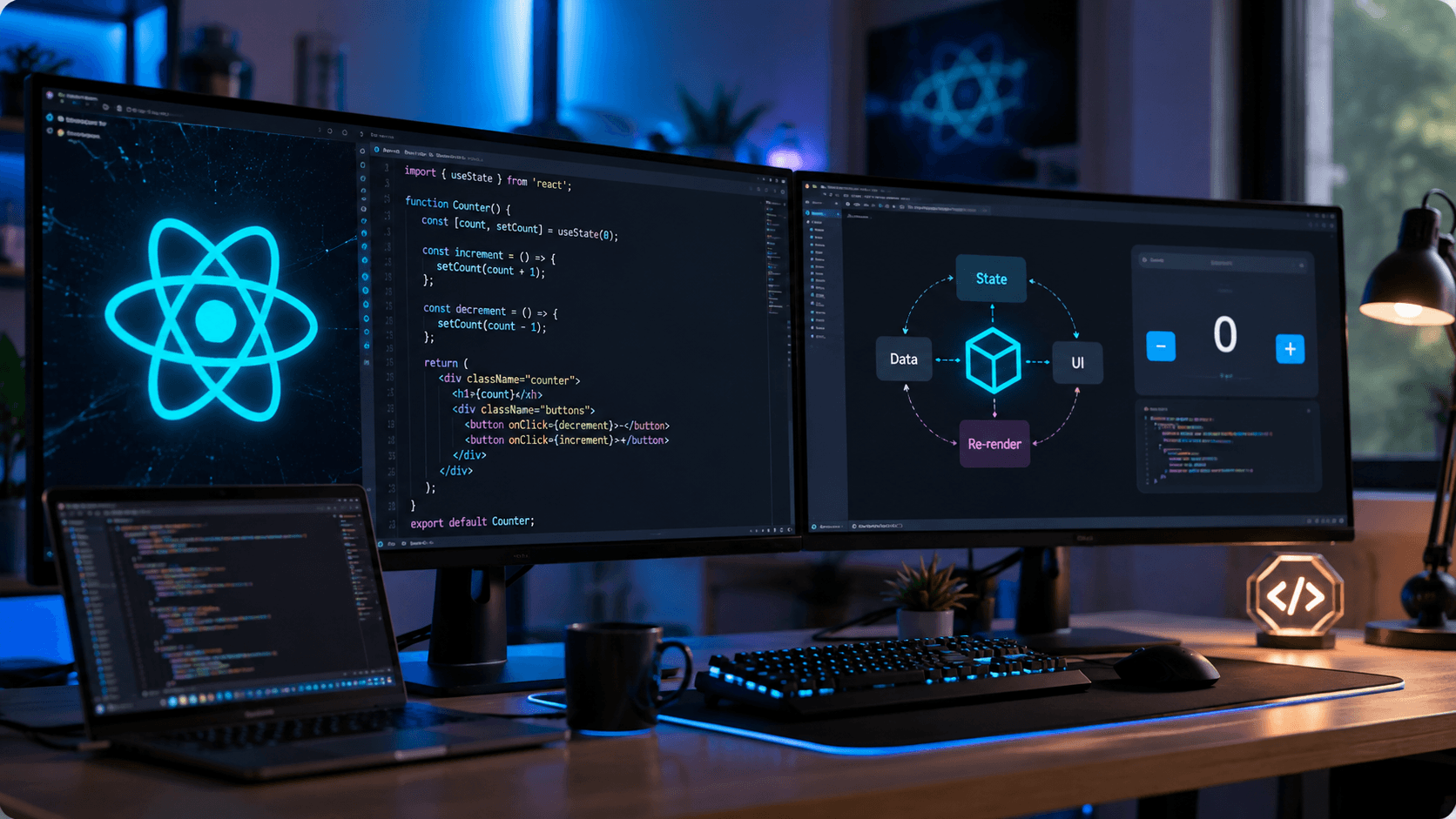
React useState Hook Complete Guide (2026): Syntax, Examples & Best Practices
Learn everything about React's useState Hook, including syntax, real-world examples, updating state correctly, best practices, and common mistakes.
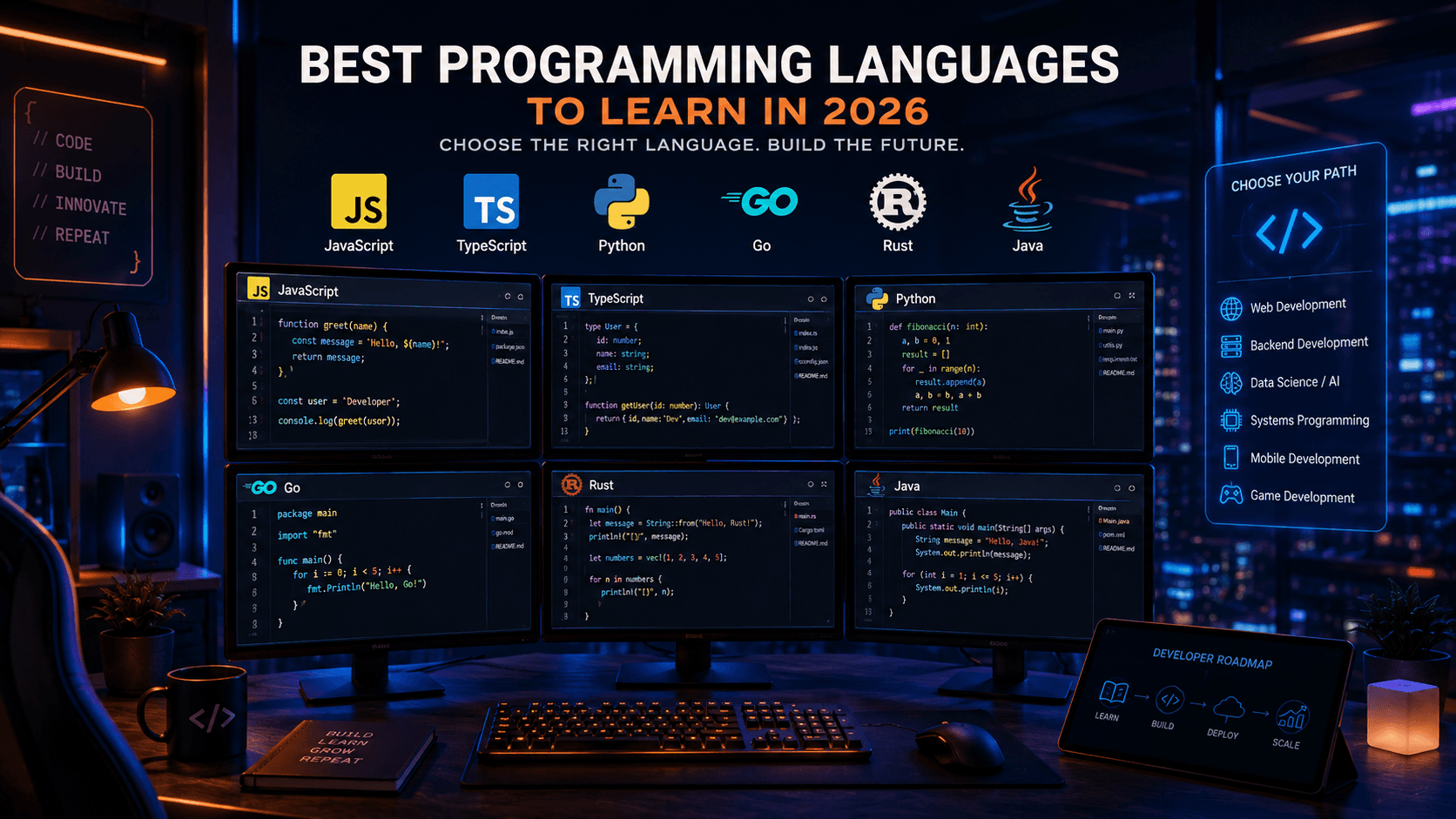
Best Programming Languages to Learn in 2026: Complete Developer Guide
Not sure which programming language to learn in 2026? This guide compares the most in-demand programming languages and helps developers choose the right path.

Data Structures and Algorithms for Beginners: Complete Guide in 2026
Master the fundamentals of Data Structures and Algorithms with this beginner-friendly guide. Learn the concepts every software developer should know.