How to Use Claude AI for Coding: A Developer's Complete Guide

Claude AI is one of the most powerful coding assistants available. Here is how developers are using it to write, debug, and ship code faster.
Artificial intelligence has fundamentally changed how developers write code. Among all the AI coding assistants available today, Claude has earned a reputation for writing clean, well-reasoned code and explaining complex concepts in plain language.
In this guide you will learn exactly how to use Claude AI in your daily development workflow — from writing functions to debugging production errors.
Why Developers Choose Claude for Coding
Claude stands out from other AI coding tools for three reasons.
First, it reasons through problems before writing code. Instead of immediately generating output, Claude thinks about edge cases, data types, and potential errors — which leads to more reliable results.
Second, Claude handles large contexts. You can paste an entire file, a full error log, or a long specification and Claude will understand all of it.
Third, Claude explains its reasoning. When you need to understand why code works a certain way, Claude walks you through the logic rather than just handing you the answer.
Setting Up Your Workflow
Before diving into specific use cases, set up your environment to get the most out of Claude.
Use the Right Prompt Format
Structure your prompts with three parts:
- Context — what you are building and what technology stack you use
- Task — what you specifically need Claude to do
- Constraints — any requirements like performance targets, coding style, or library restrictions
Here is an example of a weak prompt versus a strong one.
Weak prompt:
“Write a function to get user data.
Strong prompt:
“I am building a Next.js 16 app with TypeScript and Prisma. Write a server action that fetches a user by ID from the database, handles the case where the user does not exist, and returns typed data. Use async/await and include error handling.
The strong version gives Claude everything it needs to write production-ready code on the first try.
Core Use Cases
1. Writing New Functions
Claude excels at generating well-structured functions from a plain English description. Describe what the function should do, what it takes as input, and what it should return.
// Prompt: Write a function that debounces another function
// by a given delay in milliseconds

function debounce(fn, delay) {
  let timer;
  return function (...args) {
    clearTimeout(timer);
    timer = setTimeout(() => fn.apply(this, args), delay);
  };
}

// Usage
const handleSearch = debounce((query) => {
  fetchResults(query);
}, 300);
Always tell Claude which language and version you are using. debounce in JavaScript looks different from debounce in TypeScript with full generics.
2. Debugging Errors
Paste the full error message, the relevant code, and a description of what you expected to happen. Claude will identify the root cause and suggest a fix.
For example, pasting this error:
TypeError: Cannot read properties of undefined (reading 'map')
    at BlogPage (src/app/blog/page.jsx:12:18)
Along with your component code gives Claude everything it needs to pinpoint that posts is undefined before the .map() call and suggest adding a null check or default value.
“Tip: Always include the full stack trace, not just the first line. The bottom of the stack trace often reveals the actual source of the problem.
3. Code Review
Paste any piece of code and ask Claude to review it for:
- Bugs — logic errors, off-by-one mistakes, missing null checks
- Performance — unnecessary re-renders, unoptimized loops, missing memoization
- Security — SQL injection, XSS vulnerabilities, exposed secrets
- Readability — naming, structure, complexity
// Ask Claude: "Review this component for bugs and performance issues"

export default function UserList({ users }) {
  return (
    <ul>
      {users.map((user) => (
        <li key={user.id}>{user.name}</li>
      ))}
    </ul>
  );
}
Claude might point out that users could be undefined and suggest adding users?.map() or a default prop.
4. Writing Documentation
Paste a function or module and ask Claude to write JSDoc comments, a README section, or inline documentation.
/**
 * Fetches a paginated list of posts filtered by category.
 *
 * @param {string} category - The category slug to filter by (e.g. "ai", "programming")
 * @param {number} page - The current page number, starting from 1
 * @param {number} limit - The maximum number of posts to return per page
 * @returns {Promise<{ posts: Post[], total: number, totalPages: number }>}
 * @throws {Error} If the category does not exist or the database is unreachable
 */
async function getPostsByCategory(category, page = 1, limit = 6) {
  // implementation
}
Documentation that would take you 10 minutes to write carefully takes Claude about 5 seconds.
5. Refactoring Legacy Code
Paste old code and tell Claude what you want to improve. Common refactoring requests include:
- Convert class components to function components
- Rewrite callback-based code using async/await
- Extract repeated logic into a reusable hook or utility
- Split a large function into smaller, single-responsibility functions
// Before — callback hell
getUserById(id, function(err, user) {
  if (err) return handleError(err);
  getPostsByUser(user.id, function(err, posts) {
    if (err) return handleError(err);
    renderPage(user, posts);
  });
});

// After — async/await (Claude refactored this instantly)
async function loadUserPage(id) {
  const user = await getUserById(id);
  const posts = await getPostsByUser(user.id);
  renderPage(user, posts);
}
Advanced Techniques
Give Claude Your Existing Code as Context
Instead of asking Claude to write something from scratch, paste your existing files and ask it to match your patterns. Claude will adopt your naming conventions, file structure, and coding style automatically.
Ask for Multiple Approaches
When you are unsure about the best solution, ask Claude to give you two or three different approaches with the tradeoffs of each. This is far more useful than getting a single answer and wondering if there was a better way.
Iterate in the Same Conversation
Do not start a new conversation for every follow-up. Keep building on the same thread. Claude remembers what you discussed and can refine its previous answers based on your feedback.
Use Claude for Architecture Decisions
Before writing code, describe your feature requirements and ask Claude what data structure, design pattern, or architecture would best fit. Getting the architecture right before writing a single line saves hours of refactoring later.
What Claude Cannot Do
Claude is powerful but it has limitations you should know about.
- Claude does not have access to the internet. It cannot look up documentation, check package versions, or visit your repository.
- Claude can make mistakes. Always review generated code before using it in production, especially for security-sensitive logic.
- Claude does not remember previous conversations. Each new chat session starts fresh.
Summary
Claude AI is most effective when you treat it as a skilled collaborator rather than a code generator. Give it context, be specific about your requirements, and iterate on its output.
The developers getting the most value from Claude are not the ones asking the simplest questions — they are the ones who provide the richest context and push back when the first answer is not quite right.
Start with one use case from this guide today. Debug your next error with Claude, or ask it to review a piece of code you are not confident about. The workflow shift happens quickly once you experience how much faster problems get solved.
Related Articles
More from the AI Tools category

AI Coding Assistants Explained: How Developers Can Code Faster in 2026
AI coding assistants are transforming software development. Learn how they work, which tools to choose, and how they can improve your productivity in 2026.

AI Hallucinations Explained: Why AI Makes Mistakes and How to Reduce Them
AI hallucinations are one of the biggest challenges in modern artificial intelligence. Discover why they happen, how they affect developers and businesses, and how to build more reliable AI systems.
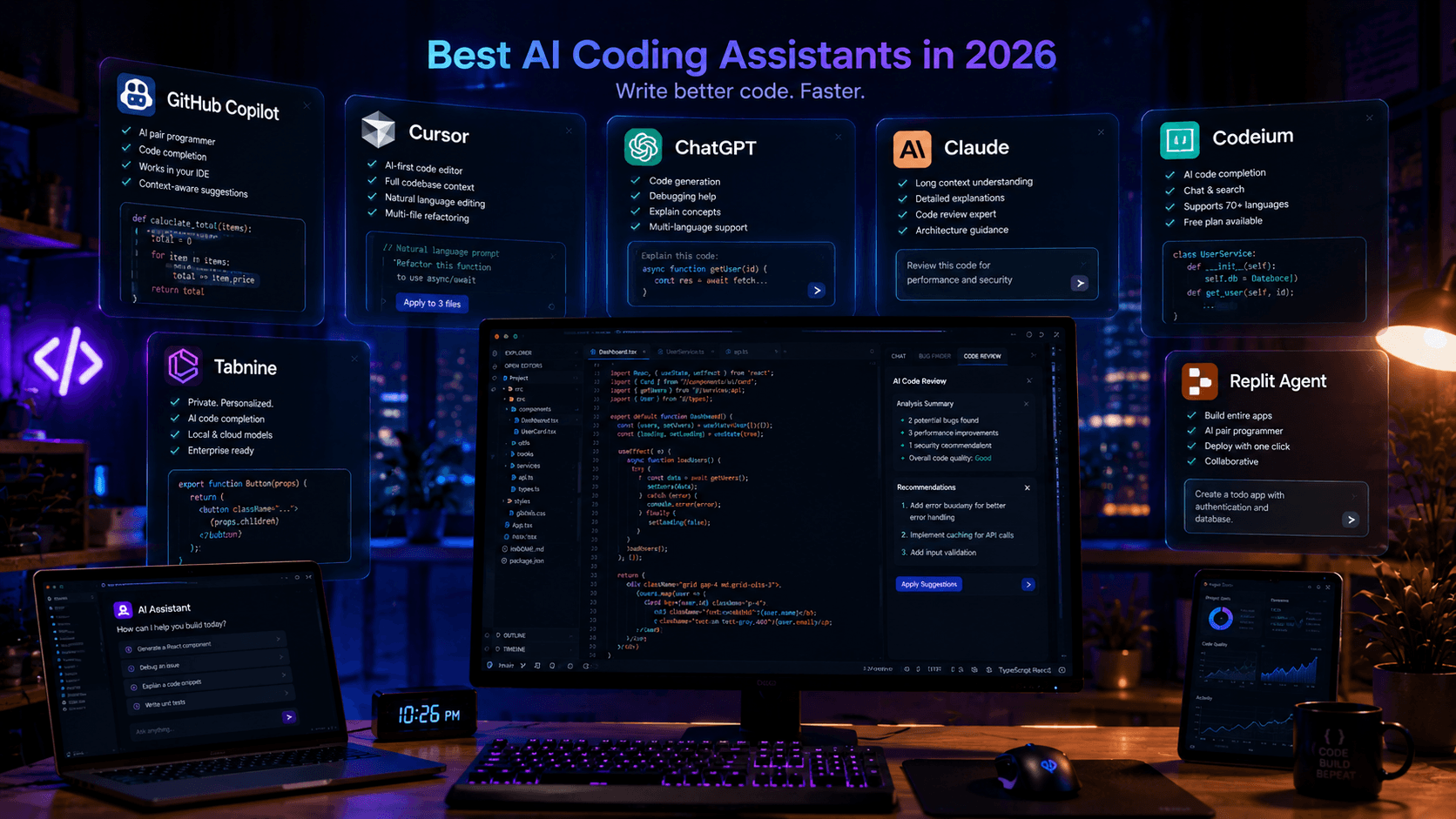
Best AI Coding Assistants in 2026: Complete Developer Guide
Looking for the best AI coding assistant? This guide compares the top AI tools for developers, including ChatGPT, Claude, Cursor, GitHub Copilot, and more.