AI Coding Assistants Explained: How Developers Can Code Faster in 2026
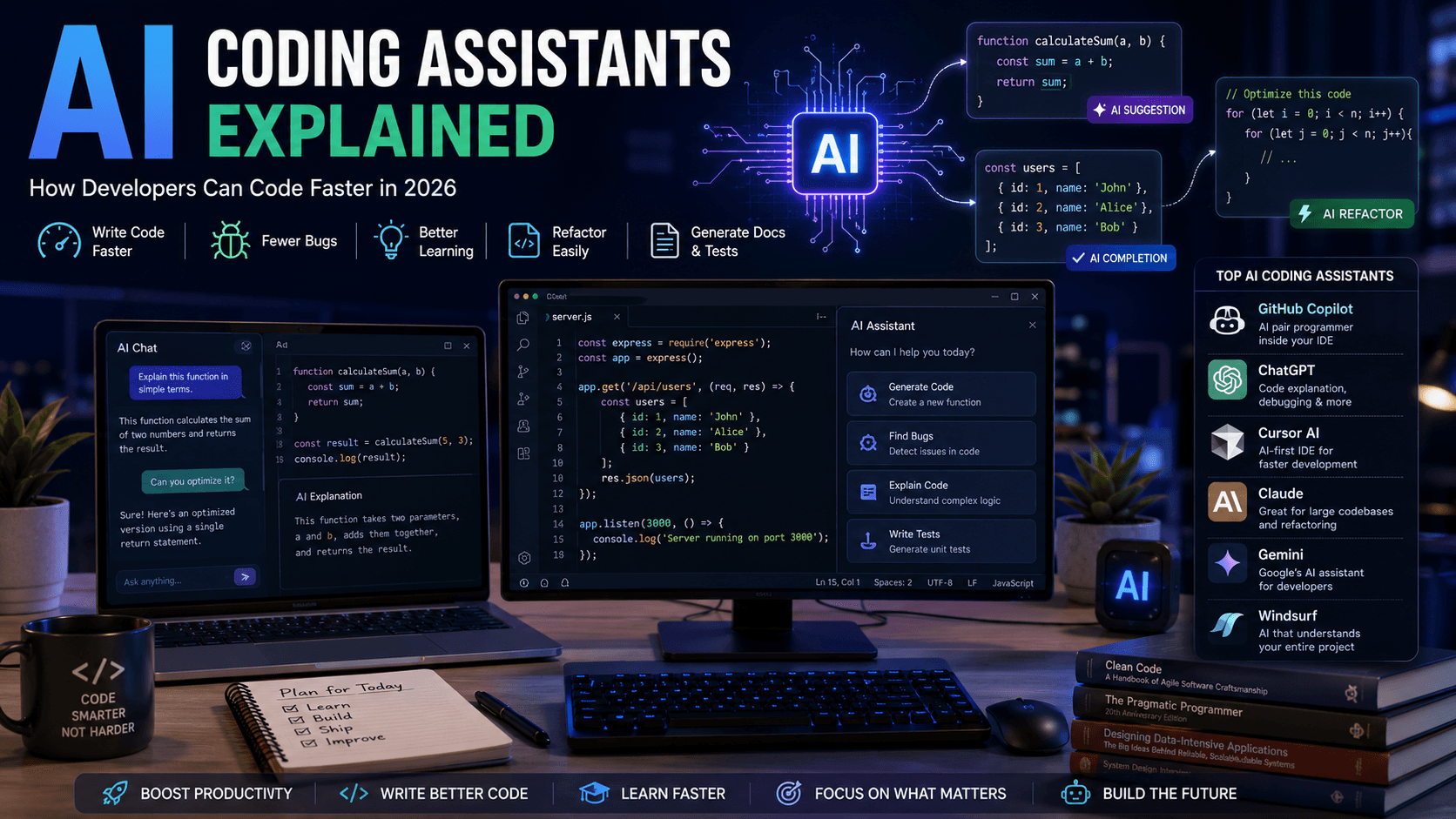
AI coding assistants are transforming software development. Learn how they work, which tools to choose, and how they can improve your productivity in 2026.
Artificial Intelligence has fundamentally changed how developers write software.
Tasks that once required hours of manual coding can now be completed in minutes with the help of modern AI coding assistants.
Whether you're a beginner learning JavaScript or an experienced software engineer building enterprise applications, AI-powered tools can significantly improve productivity without replacing your programming skills.
In this guide, you'll learn what AI coding assistants are, how they work, their advantages, limitations, and which tools are worth using in 2026.
What Is an AI Coding Assistant?
An AI coding assistant is software that uses large language models (LLMs) to help developers write, understand, debug, and improve code.
Unlike traditional autocomplete, AI coding assistants understand the context of your project and can generate entire functions, explain code, identify bugs, and even suggest architectural improvements.
Popular AI coding assistants include:
- ChatGPT
- Claude
- GitHub Copilot
- Cursor AI
- Gemini
- Windsurf
These tools support dozens of programming languages including JavaScript, TypeScript, Python, Java, Go, Rust, C#, and more.
How AI Coding Assistants Work
Modern AI coding assistants analyze:
- Your current file
- Project structure
- Existing functions
- Comments
- Variable names
- Programming language
Using this information, the AI predicts what you're trying to build and generates relevant code suggestions.
Instead of simply completing one line, AI understands the broader context of your application.
Benefits of Using AI Coding Assistants
Faster Development
Developers spend less time writing repetitive boilerplate code.
Better Learning
Beginners can ask questions about unfamiliar syntax and receive detailed explanations.
Fewer Bugs
AI can identify common mistakes before they become production issues.
Improved Documentation
Generate documentation, comments, and README files in seconds.
Code Refactoring
AI suggests cleaner, more maintainable implementations.
Popular AI Coding Assistants in 2026
ChatGPT
Excellent for:
- Explaining code
- Debugging
- Architecture discussions
- Learning programming concepts
GitHub Copilot
Designed for inline code completion directly inside your editor.
Ideal for developers who prefer suggestions while typing.
Cursor AI
A modern AI-first code editor built for developers.
It understands your entire project and helps with complex refactoring tasks.
Claude
Known for generating clean, readable code and handling large codebases effectively.
Gemini
Google's AI assistant integrates with many Google developer tools and services.
Can AI Replace Programmers?
One of the biggest misconceptions is that AI will replace software developers.
The reality is different.
AI automates repetitive coding tasks, but developers still need to:
- Solve business problems
- Design software architecture
- Review generated code
- Ensure security
- Test applications
- Make technical decisions
AI is best viewed as a productivity tool rather than a replacement.
Best Practices for Using AI
To get the most value from AI coding assistants:
- Write clear prompts.
- Review generated code carefully.
- Understand the output before using it.
- Test everything.
- Never paste sensitive data into public AI tools.
The best developers use AI to accelerate their work—not to avoid learning.
Common Mistakes
Accepting Code Without Review
Always understand what AI generates.
Overusing AI
Relying entirely on AI slows long-term learning.
Ignoring Security
Review authentication, database queries, and API integrations carefully.
Poor Prompts
Detailed prompts usually produce significantly better results.
AI Coding Assistant vs Traditional IDE Autocomplete
| Feature | AI Coding Assistant | Traditional Autocomplete |
|---|---|---|
| Understands Context | ✅ | ❌ |
| Explains Code | ✅ | ❌ |
| Generates Functions | ✅ | Limited |
| Detects Bugs | ✅ | Limited |
| Architecture Suggestions | ✅ | ❌ |
Who Should Use AI Coding Assistants?
These tools are valuable for:
- Students
- Frontend Developers
- Backend Developers
- Full-Stack Developers
- Software Engineers
- DevOps Engineers
- Freelancers
Regardless of experience level, AI can improve productivity when used responsibly.
Frequently Asked Questions
Are AI coding assistants free?
Many offer free plans with optional premium subscriptions for advanced features.
Which AI coding assistant is best?
It depends on your workflow.
ChatGPT, Claude, Cursor, and GitHub Copilot are among the most popular choices.
Should beginners use AI?
Yes.
AI can accelerate learning by explaining concepts and providing examples, but beginners should still practice writing code independently.
Is AI-generated code safe?
Not always.
Developers should review, test, and validate all generated code before using it in production.
Further Reading
Continue learning with these related guides:
Final Thoughts
AI coding assistants are no longer optional tools for many developers—they've become an important part of modern software development.
When used thoughtfully, they can help you write cleaner code, learn faster, reduce repetitive work, and focus on solving real problems instead of typing boilerplate.
The developers who succeed in the coming years won't be those who avoid AI—they'll be the ones who understand how to combine strong programming fundamentals with AI-powered workflows to build better software.
Related Articles
More from the AI Tools category
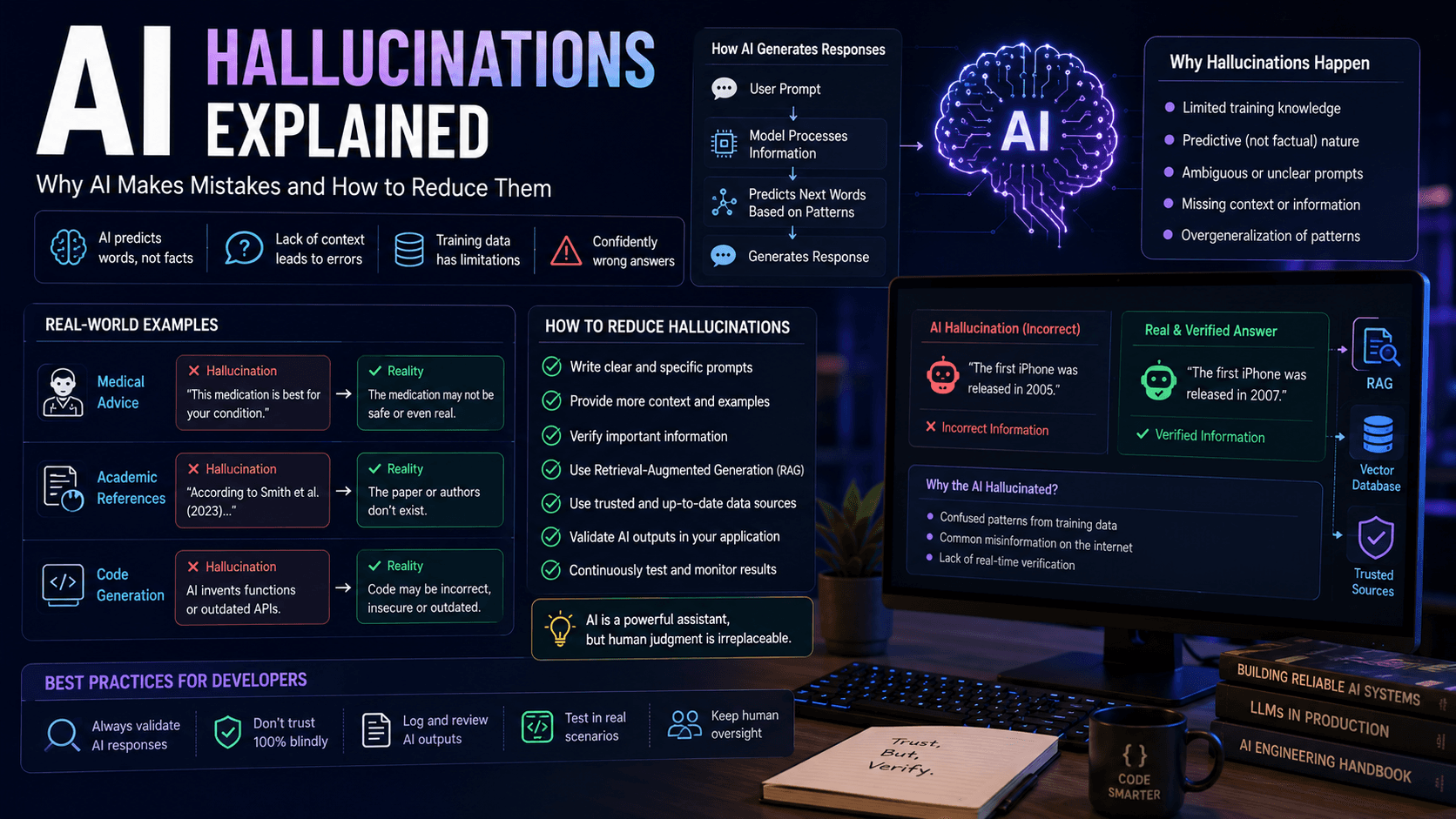
AI Hallucinations Explained: Why AI Makes Mistakes and How to Reduce Them
AI hallucinations are one of the biggest challenges in modern artificial intelligence. Discover why they happen, how they affect developers and businesses, and how to build more reliable AI systems.
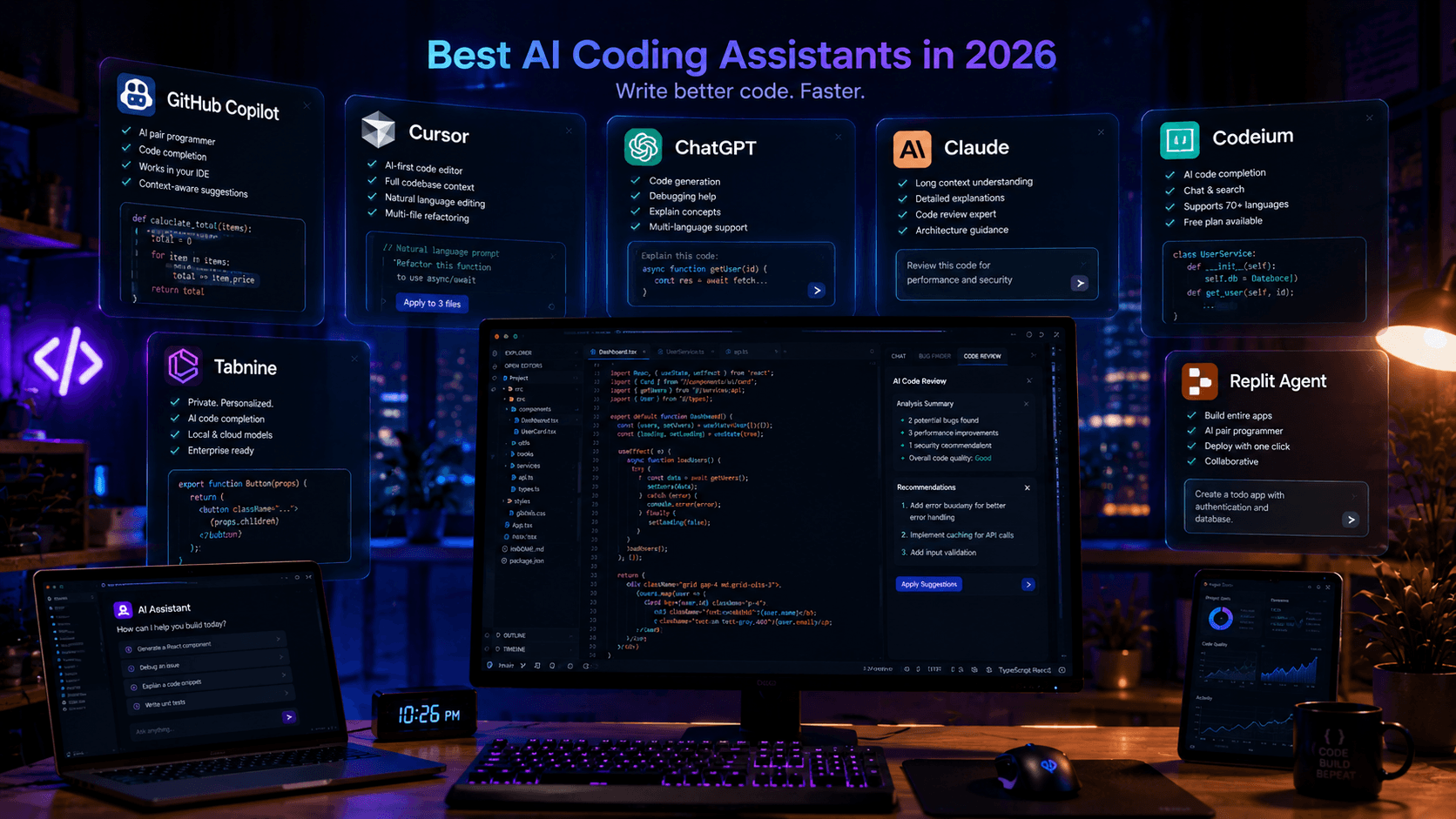
Best AI Coding Assistants in 2026: Complete Developer Guide
Looking for the best AI coding assistant? This guide compares the top AI tools for developers, including ChatGPT, Claude, Cursor, GitHub Copilot, and more.
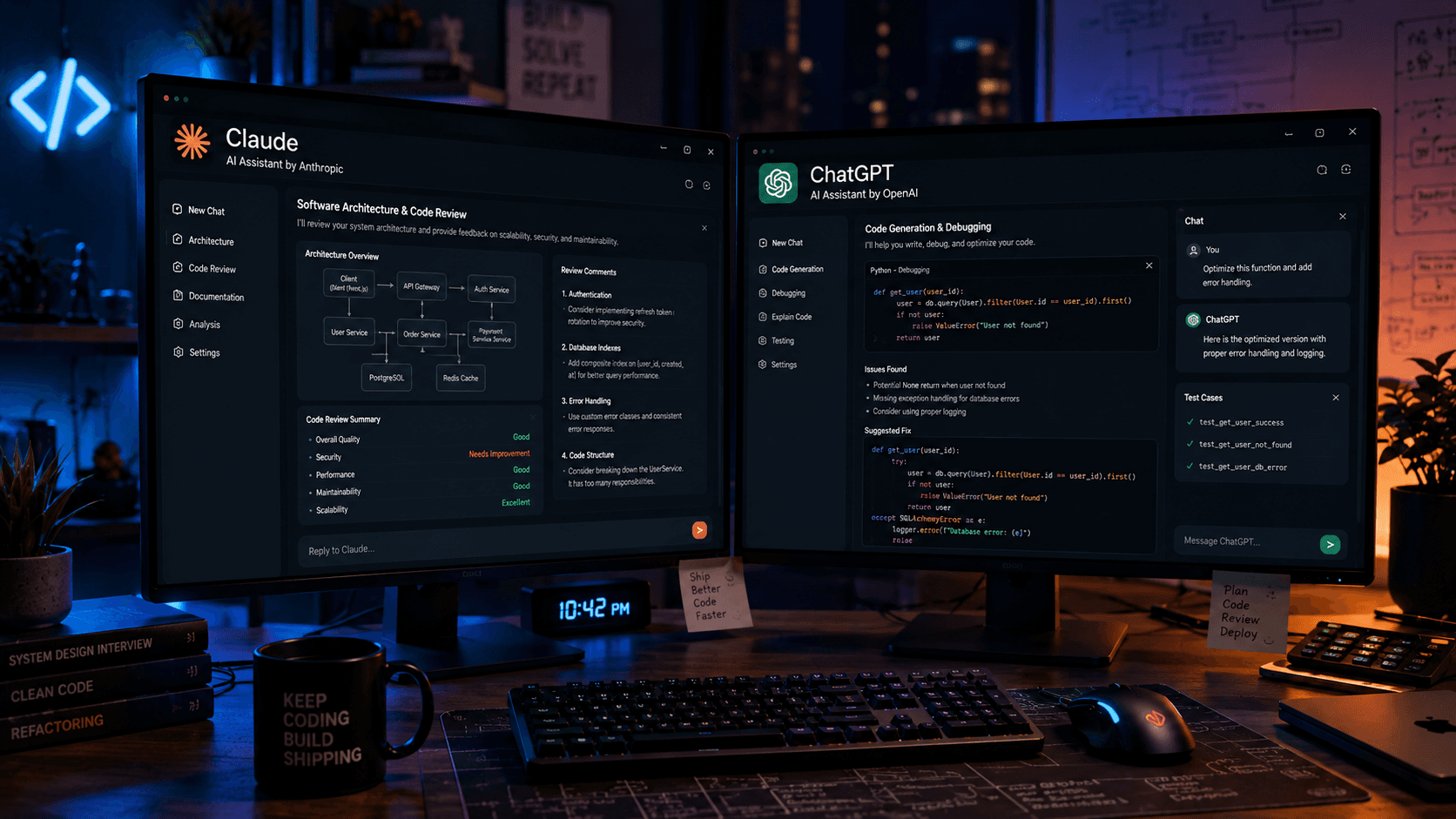
Claude vs ChatGPT for Programming: Which AI Is Better for Developers in 2026?
Claude and ChatGPT are two of the most powerful AI tools available to developers. Learn which one performs better for coding, debugging, software architecture, and day-to-day development.