Best AI Coding Assistants in 2026: Complete Developer Guide
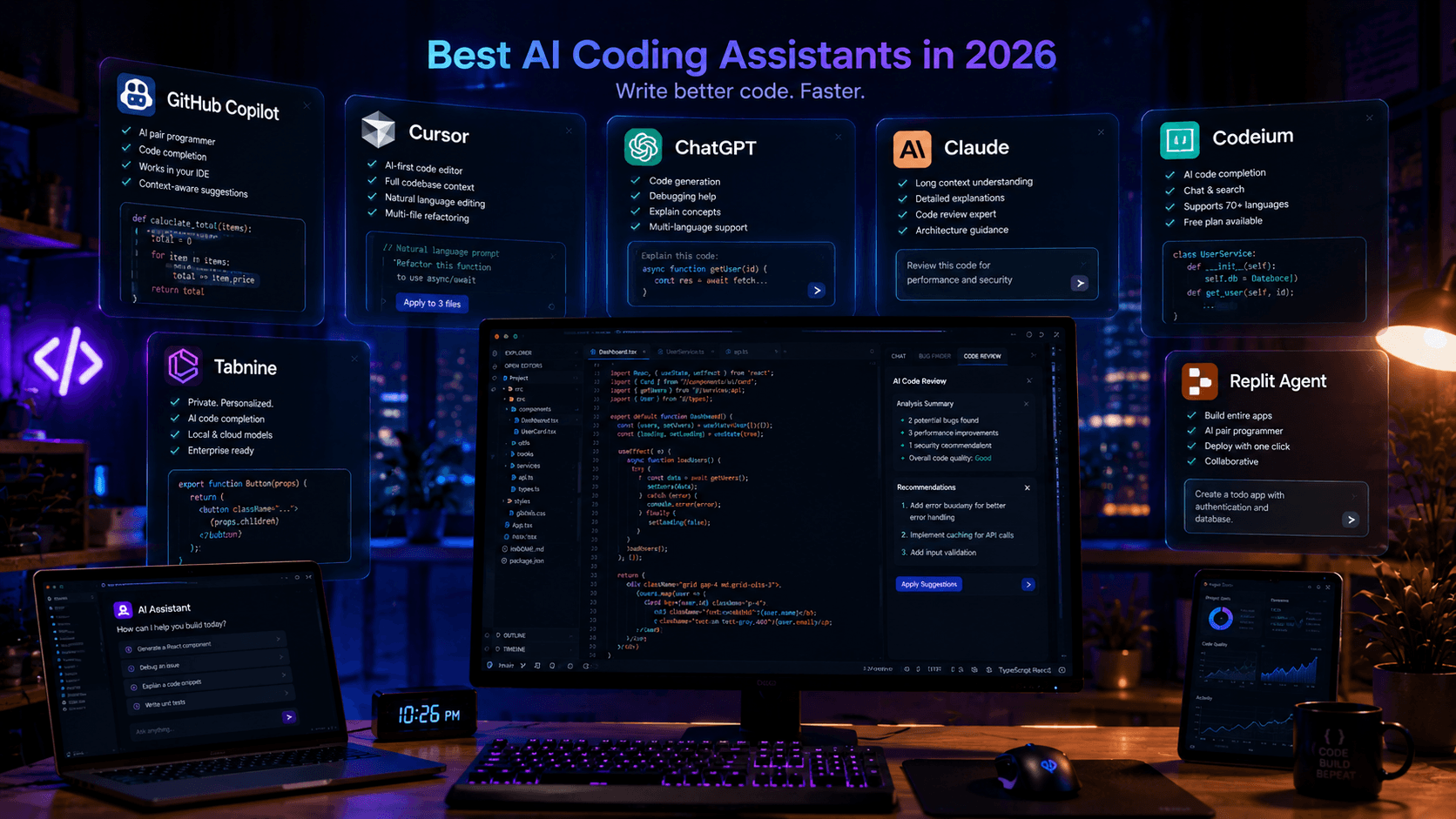
Looking for the best AI coding assistant? This guide compares the top AI tools for developers, including ChatGPT, Claude, Cursor, GitHub Copilot, and more.
Artificial Intelligence is transforming software development at an incredible pace. Tasks that once required hours of manual work can now be completed in minutes using AI-powered coding assistants.
From generating code and fixing bugs to reviewing pull requests and explaining unfamiliar frameworks, modern AI tools have become valuable companions for developers.
But with so many options available, choosing the best AI coding assistant can be challenging.
In this guide, we'll compare the most popular AI coding assistants in 2026 and help you determine which tool is best for your workflow.
Why AI Coding Assistants Are Growing So Fast
Developers spend a surprising amount of time on repetitive work:
- Writing boilerplate code
- Reading documentation
- Refactoring old code
- Debugging errors
- Creating tests
- Reviewing pull requests
AI coding assistants automate many of these tasks, allowing developers to focus on solving real problems.
Benefits include:
- Faster development
- Reduced debugging time
- Better code quality
- Improved productivity
- Faster learning
What Makes a Great AI Coding Assistant?
Before comparing tools, it's important to understand what separates a good AI assistant from a great one.
The best AI coding assistants should provide:
Strong Code Generation
The ability to generate production-ready code with minimal prompting.
Context Awareness
Understanding your project structure and existing codebase.
Debugging Assistance
Helping identify and solve errors quickly.
Refactoring Support
Improving existing code without introducing bugs.
Documentation Generation
Creating comments, READMEs, and technical documentation.
1. ChatGPT
ChatGPT remains one of the most widely used AI tools among developers.
Strengths
- Excellent code generation
- Great educational explanations
- Strong debugging assistance
- Supports multiple programming languages
- Helpful for learning new technologies
Best For
- Frontend developers
- Beginners
- Freelancers
- Full-stack developers
Example Use Cases
- Writing React components
- Building APIs
- Debugging errors
- Generating documentation
Pros
- Easy to use
- Fast responses
- Large ecosystem
Cons
- Requires careful review of generated code
2. Claude
Claude has become increasingly popular among professional developers.
Its reasoning abilities make it particularly useful for reviewing and improving existing code.
Strengths
- Excellent code reviews
- Strong architecture discussions
- Detailed explanations
- Large context windows
Best For
- Senior developers
- Software architects
- Technical leads
Pros
- Deep reasoning
- Great maintainability suggestions
- Excellent documentation support
Cons
- Sometimes slower for quick coding tasks
3. Cursor
Cursor is one of the fastest-growing AI development environments.
Unlike traditional assistants, Cursor deeply understands your project and can modify multiple files simultaneously.
Strengths
- Full codebase awareness
- AI-first workflow
- Refactoring assistance
- Multi-file editing
Best For
- React developers
- Next.js developers
- Startup teams
Pros
- Incredible productivity gains
- Modern AI workflow
- Excellent debugging support
Cons
- Learning curve for new users
4. GitHub Copilot
GitHub Copilot remains a favorite among developers who want intelligent code completion.
Strengths
- Seamless editor integration
- Fast suggestions
- Minimal setup
Best For
- VS Code users
- Teams already using GitHub
Pros
- Easy adoption
- Excellent autocomplete
Cons
- Less powerful than Cursor for project-wide tasks
5. Codeium
Codeium has gained popularity by offering a generous free tier.
Strengths
- AI code completion
- Chat functionality
- Multiple IDE integrations
Best For
- Students
- Budget-conscious developers
Pros
- Free plan available
- Good performance
Cons
- Smaller ecosystem
AI Coding Assistant Comparison
| Tool | Code Generation | Debugging | Code Reviews | Learning | Overall |
|---|---|---|---|---|---|
| ChatGPT | ⭐⭐⭐⭐⭐ | ⭐⭐⭐⭐⭐ | ⭐⭐⭐⭐ | ⭐⭐⭐⭐⭐ | ⭐⭐⭐⭐⭐ |
| Claude | ⭐⭐⭐⭐ | ⭐⭐⭐⭐⭐ | ⭐⭐⭐⭐⭐ | ⭐⭐⭐⭐ | ⭐⭐⭐⭐⭐ |
| Cursor | ⭐⭐⭐⭐⭐ | ⭐⭐⭐⭐⭐ | ⭐⭐⭐⭐ | ⭐⭐⭐⭐ | ⭐⭐⭐⭐⭐ |
| GitHub Copilot | ⭐⭐⭐⭐ | ⭐⭐⭐ | ⭐⭐⭐ | ⭐⭐⭐⭐ | ⭐⭐⭐⭐ |
| Codeium | ⭐⭐⭐ | ⭐⭐⭐ | ⭐⭐⭐ | ⭐⭐⭐ | ⭐⭐⭐ |
Which AI Assistant Should You Choose?
For Beginners
Choose:
- ChatGPT
Why?
Because it explains concepts clearly and helps you learn faster.
For Professional Developers
Choose:
- Cursor
- Claude
This combination provides excellent productivity and code quality.
For React Developers
Recommended stack:
- Cursor
- ChatGPT
These tools work particularly well for React and Next.js projects.
For Software Architects
Recommended stack:
- Claude
- ChatGPT
Claude excels at discussing architecture and maintainability.
Common Mistakes When Using AI Coding Assistants
Many developers make the same mistakes:
Blindly Copying Code
Always review generated code.
Ignoring Security
AI-generated code should be security reviewed before production use.
Using Generic Prompts
Provide context:
- Framework
- Language
- Project requirements
The more context you provide, the better the results.
Frequently Asked Questions
Are AI coding assistants replacing developers?
No.
They increase productivity but still require human judgment.
Which AI assistant is best for React?
Cursor and ChatGPT are currently among the strongest choices.
Is GitHub Copilot still worth it?
Yes.
It remains one of the best autocomplete tools available.
Can I use multiple AI assistants?
Absolutely.
Many professional developers use:
- ChatGPT
- Claude
- Cursor
together.
Final Verdict
The best AI coding assistant depends on your goals.
If you're looking for a versatile assistant that can help with coding, learning, debugging, and research, ChatGPT remains one of the strongest options available.
If you need detailed code reviews and architecture guidance, Claude is exceptional.
If you want the most advanced AI development workflow available today, Cursor is arguably the productivity leader.
For most developers in 2026, a combination of ChatGPT, Claude, and Cursor provides the ideal balance of productivity, reasoning, and coding power.
The future of software development is increasingly AI-assisted, and developers who learn to effectively leverage these tools will have a significant advantage.
Related Articles
More from the AI Tools category
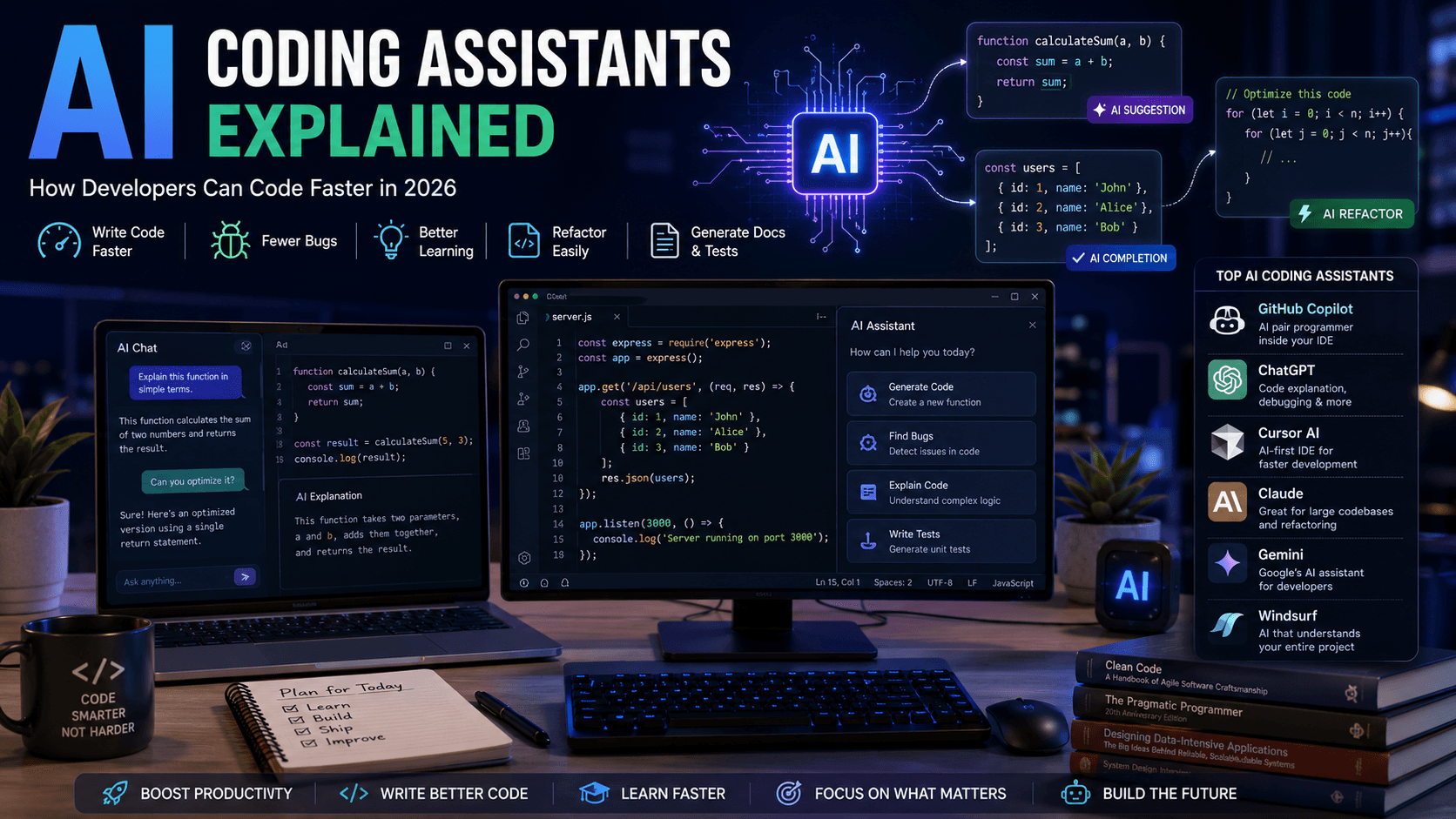
AI Coding Assistants Explained: How Developers Can Code Faster in 2026
AI coding assistants are transforming software development. Learn how they work, which tools to choose, and how they can improve your productivity in 2026.
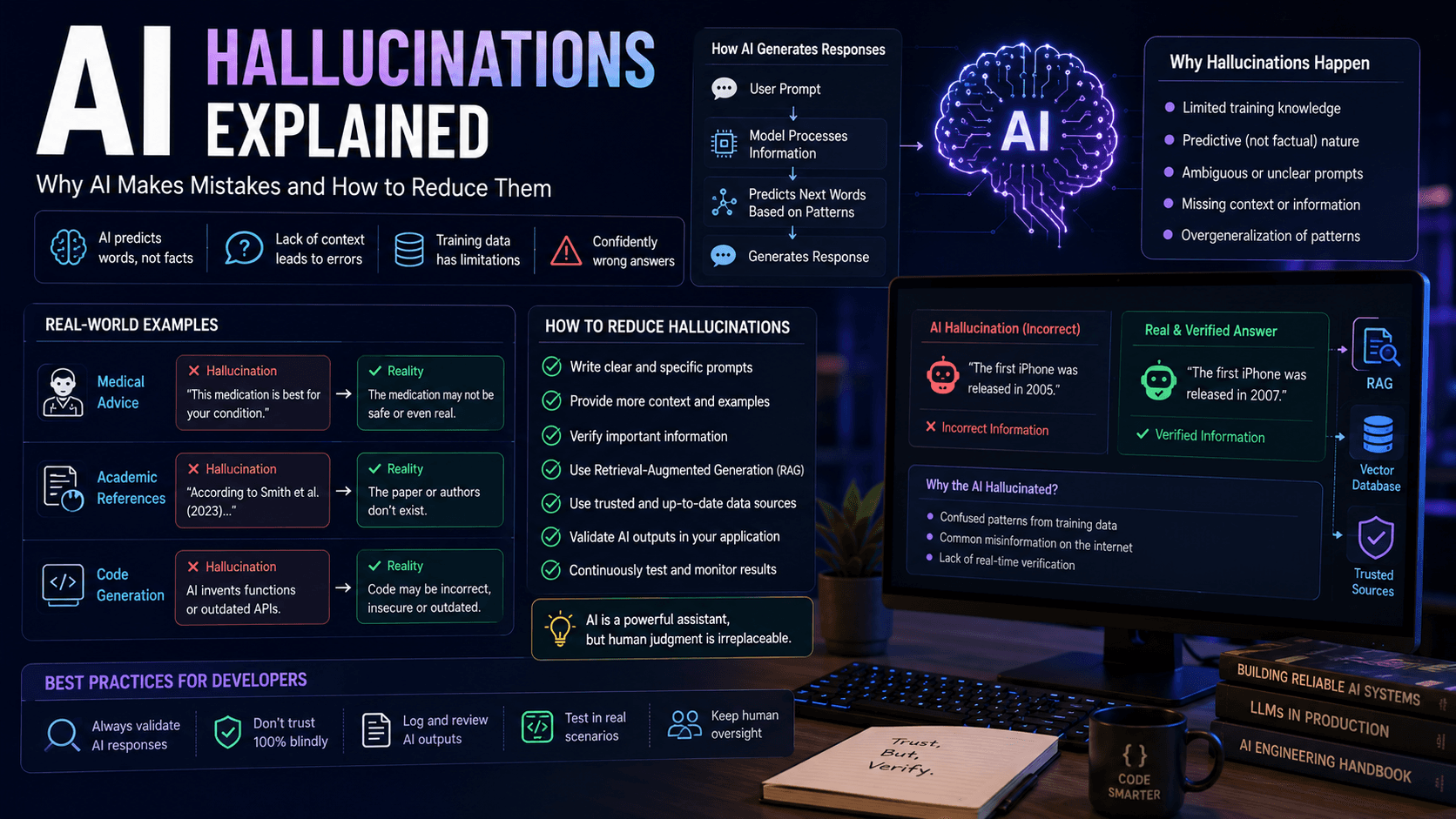
AI Hallucinations Explained: Why AI Makes Mistakes and How to Reduce Them
AI hallucinations are one of the biggest challenges in modern artificial intelligence. Discover why they happen, how they affect developers and businesses, and how to build more reliable AI systems.
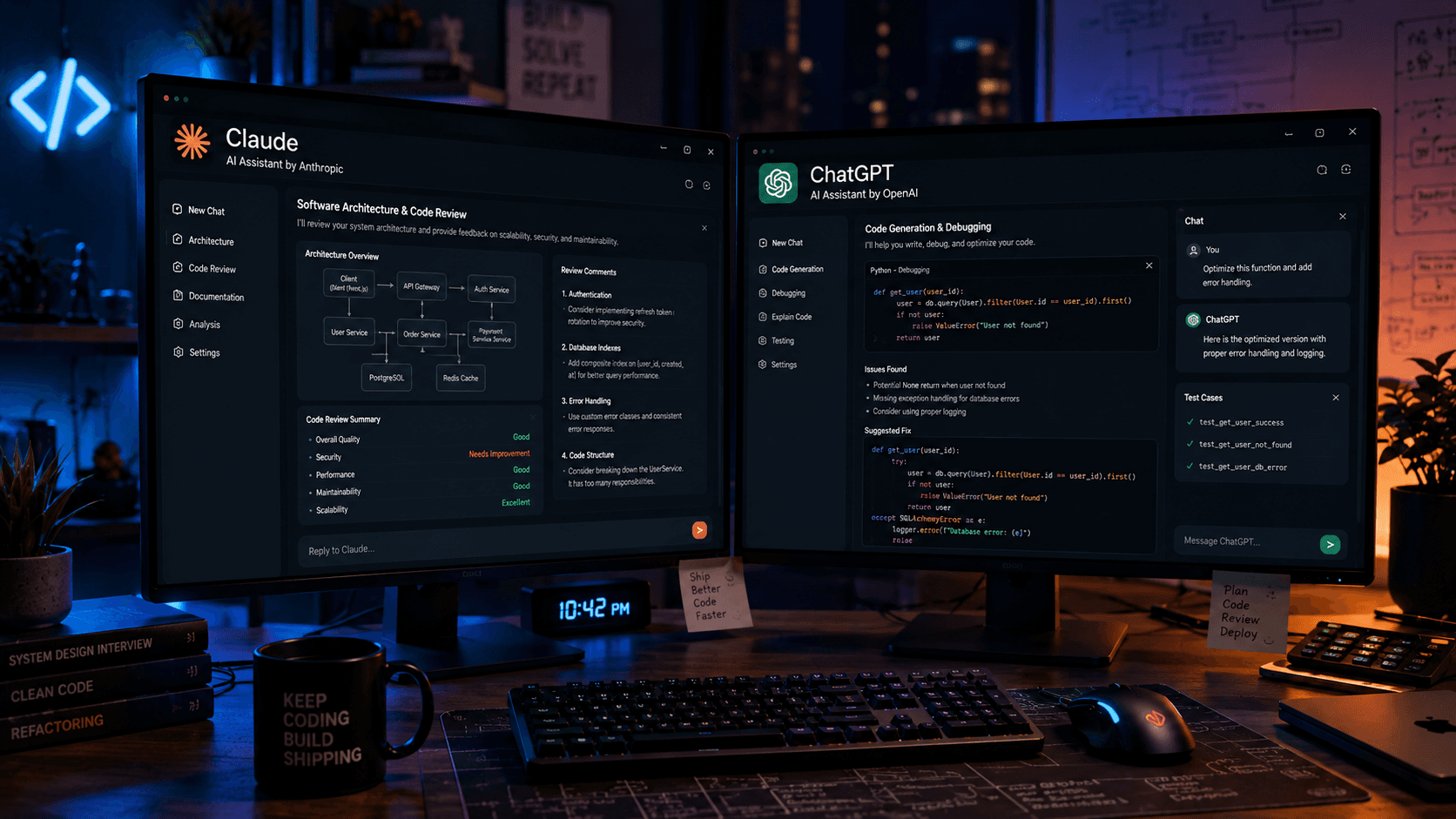
Claude vs ChatGPT for Programming: Which AI Is Better for Developers in 2026?
Claude and ChatGPT are two of the most powerful AI tools available to developers. Learn which one performs better for coding, debugging, software architecture, and day-to-day development.