Cursor vs GitHub Copilot: Which AI Coding Assistant Is Better in 2026?
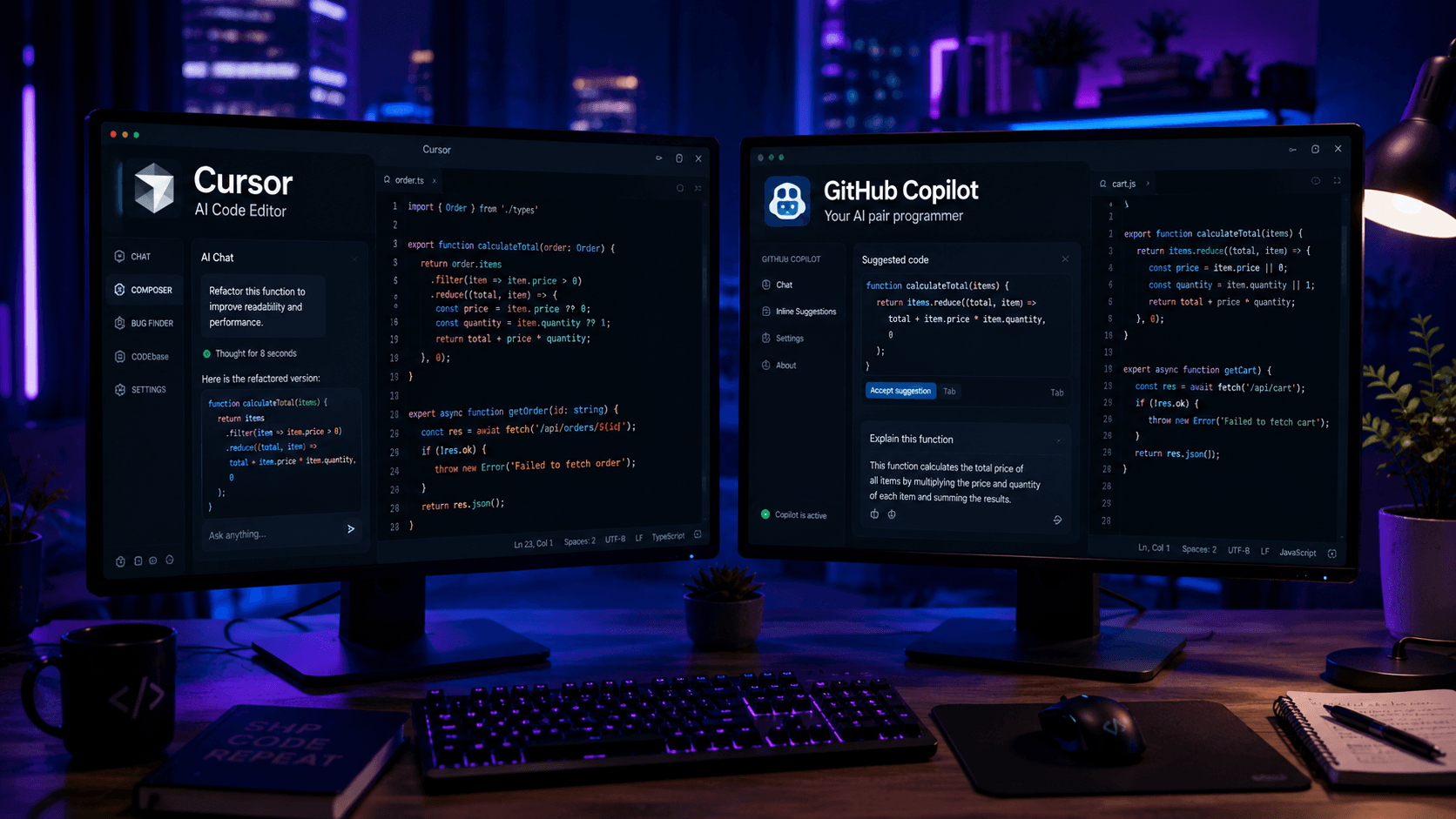
Cursor and GitHub Copilot are leading AI coding assistants in 2026. This in-depth comparison explores features, pricing, code generation, debugging, and which tool is best for developers.
Artificial Intelligence has fundamentally changed the way developers build software. Tasks that once required hours of manual effort—writing boilerplate code, debugging complex issues, understanding unfamiliar codebases, and refactoring large applications—can now be completed in minutes with the help of AI coding assistants.
Among the dozens of AI-powered development tools available today, two products consistently dominate developer discussions: Cursor AI and GitHub Copilot.
If you've spent any time in React, Next.js, TypeScript, or full-stack development communities, you've probably seen developers debating which tool is better.
The answer isn't as straightforward as many people think.
While both Cursor and GitHub Copilot help developers write code faster, they approach software development from completely different philosophies.
GitHub Copilot focuses on intelligent code completion and lightweight assistance inside your existing editor.
Cursor aims to become an AI-native development environment capable of understanding your entire codebase, modifying multiple files, and acting more like a collaborative software engineer.
In this guide, we'll compare Cursor vs GitHub Copilot across real-world development scenarios, including code generation, debugging, refactoring, project awareness, React development, pricing, and overall developer experience.
By the end, you'll know which tool is the better fit for your workflow in 2026.
Cursor vs GitHub Copilot: Quick Comparison
If you're short on time, here's the high-level overview.
| Feature | Cursor | GitHub Copilot |
|---|---|---|
| AI Chat | ✅ Advanced | ✅ Basic |
| Code Completion | ✅ | ✅ |
| Full Codebase Awareness | ✅ | Limited |
| Multi-file Editing | ✅ | ❌ |
| Refactoring | Excellent | Good |
| React Development | Excellent | Very Good |
| Next.js Development | Excellent | Very Good |
| Learning Curve | Moderate | Easy |
| VS Code Integration | Built on VS Code | Plugin |
| Best For | Modern AI Workflow | AI Autocomplete |
For most professional developers working on medium to large projects, Cursor offers more capabilities.
For developers who simply want better autocomplete without changing their workflow, GitHub Copilot remains an excellent choice.
What Is Cursor AI?
Cursor is an AI-first code editor built on top of Visual Studio Code.
At first glance, Cursor looks similar to VS Code because it uses the same foundation. However, the philosophy behind the product is completely different.
Instead of treating AI as an optional plugin, Cursor places AI at the center of the development experience.
The editor is designed to understand:
- Project structure
- Application architecture
- Component relationships
- API routes
- Database logic
- Existing coding patterns
This allows Cursor to perform tasks that traditional code completion tools struggle with.
For example, instead of asking:
“"How do I create a reusable button component?"
You can ask:
“"Create a reusable button component using Tailwind CSS, add loading states, update existing forms to use it, and generate documentation."
Cursor can analyze the project, identify relevant files, and propose changes across multiple locations.
This project-wide awareness is one of the biggest reasons developers are switching to Cursor.
What Is GitHub Copilot?
GitHub Copilot is an AI coding assistant developed by GitHub and OpenAI.
It integrates directly into popular development environments such as:
- Visual Studio Code
- Visual Studio
- JetBrains IDEs
- Neovim
Copilot became popular because it introduced developers to AI-powered code completion at scale.
As you type, Copilot predicts:
- Functions
- Components
- Queries
- Tests
- Documentation
In many cases, it can generate entire code blocks before you finish typing.
For example:
function UserCard({
Copilot might immediately suggest the rest of the component.
This creates a workflow that feels natural because developers can continue using their existing editor while receiving intelligent suggestions.
The strength of Copilot lies in its simplicity.
You install it, start coding, and become more productive almost immediately.
Why Developers Are Comparing Cursor and Copilot
A few years ago, GitHub Copilot had very little competition.
Today, the landscape has changed dramatically.
Developers no longer want AI that only predicts the next line of code.
Modern development teams increasingly expect AI tools to:
- Understand entire projects
- Explain codebases
- Debug issues
- Refactor applications
- Generate documentation
- Assist with architecture decisions
This shift has created a new category of AI-native development environments, and Cursor has emerged as one of the strongest players in that space.
As a result, many developers are asking:
“Should I continue using GitHub Copilot, or is it time to switch to Cursor?
The answer depends on how you write software and what problems you're trying to solve.
Code Generation Comparison
Both Cursor and GitHub Copilot excel at generating code, but they do so differently.
GitHub Copilot's Approach
Copilot specializes in prediction.
As you type, it analyzes surrounding code and predicts what you're likely to write next.
This works exceptionally well for:
- Repetitive code
- CRUD operations
- Utility functions
- Boilerplate components
- Unit tests
The experience feels seamless because suggestions appear directly inside the editor.
Cursor's Approach
Cursor focuses on intent.
Instead of predicting code line-by-line, Cursor encourages developers to describe what they want in plain English.
Example:
Build a responsive pricing section using React and Tailwind CSS.
Include monthly and yearly billing options.
Cursor can generate a complete implementation from that request.
This often produces larger, more meaningful results than traditional autocomplete.
Winner: Code Generation
For autocomplete:
GitHub Copilot wins.
For complete feature generation:
Cursor wins.
Related Articles
More from the AI Tools category
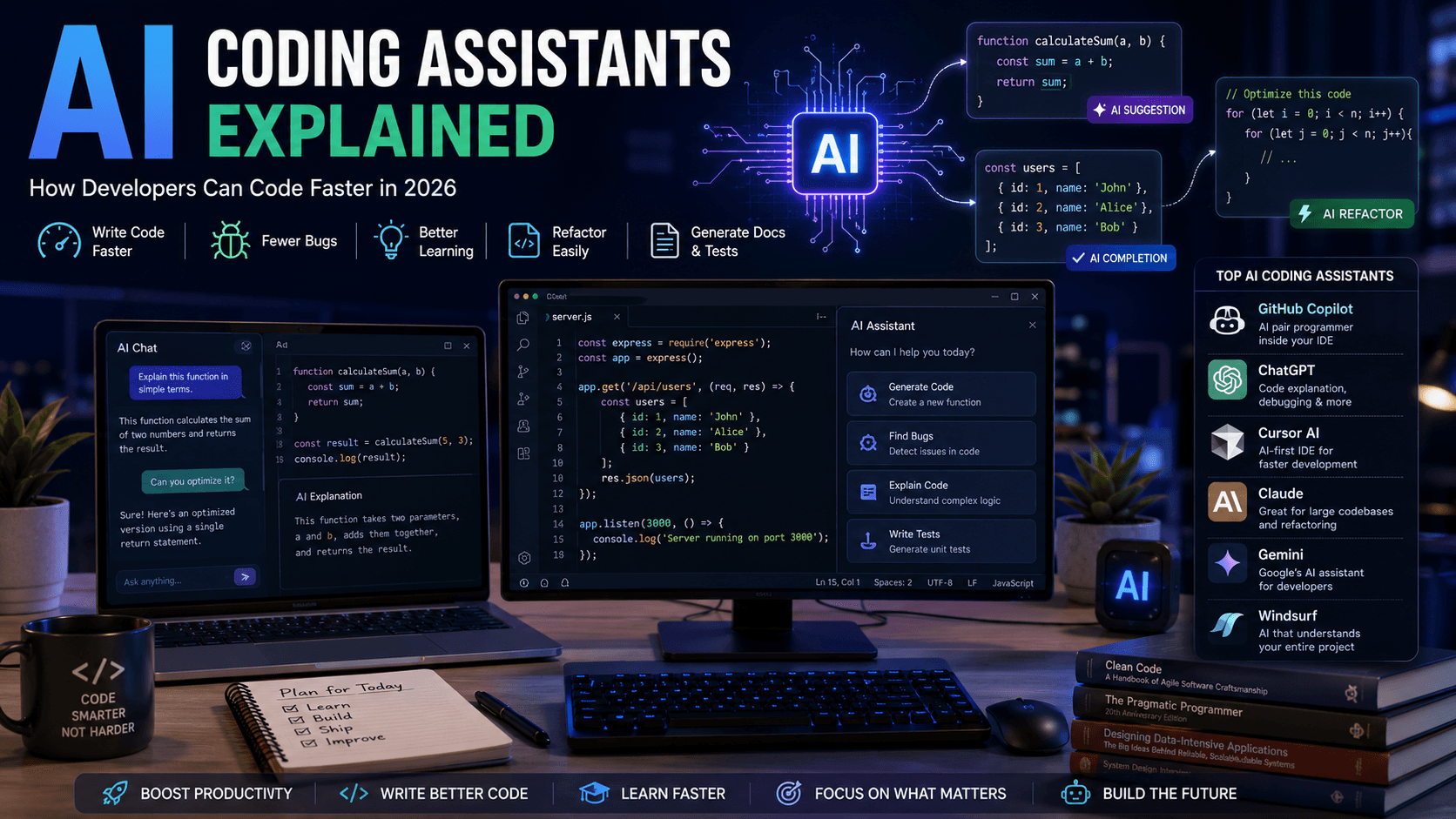
AI Coding Assistants Explained: How Developers Can Code Faster in 2026
AI coding assistants are transforming software development. Learn how they work, which tools to choose, and how they can improve your productivity in 2026.

AI Hallucinations Explained: Why AI Makes Mistakes and How to Reduce Them
AI hallucinations are one of the biggest challenges in modern artificial intelligence. Discover why they happen, how they affect developers and businesses, and how to build more reliable AI systems.
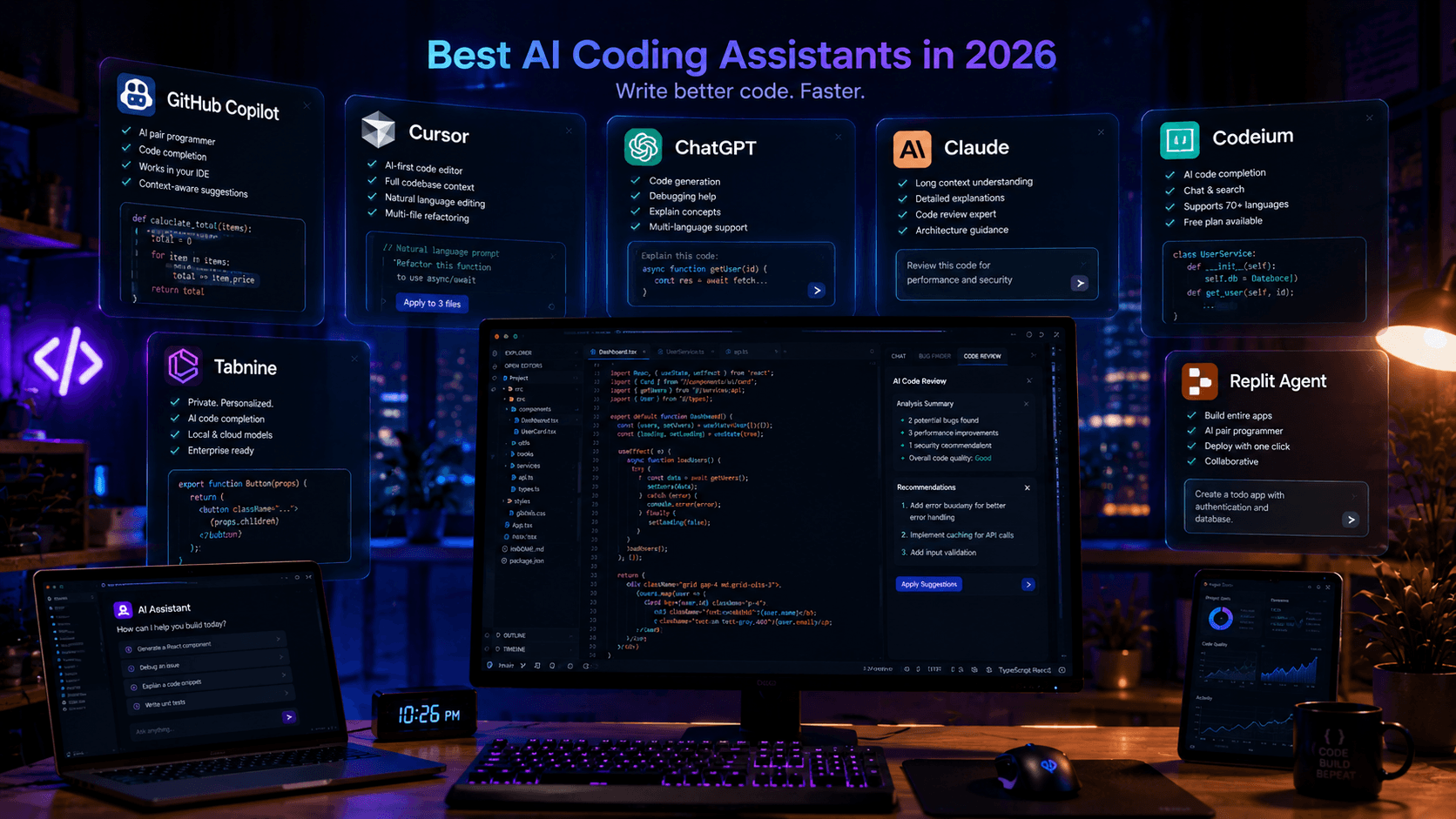
Best AI Coding Assistants in 2026: Complete Developer Guide
Looking for the best AI coding assistant? This guide compares the top AI tools for developers, including ChatGPT, Claude, Cursor, GitHub Copilot, and more.